Drag-and-drop screens
Headers, inputs, lists, stats, buttons, images and charts. Build screens visually, without writing code.
Ready-to-go solutions
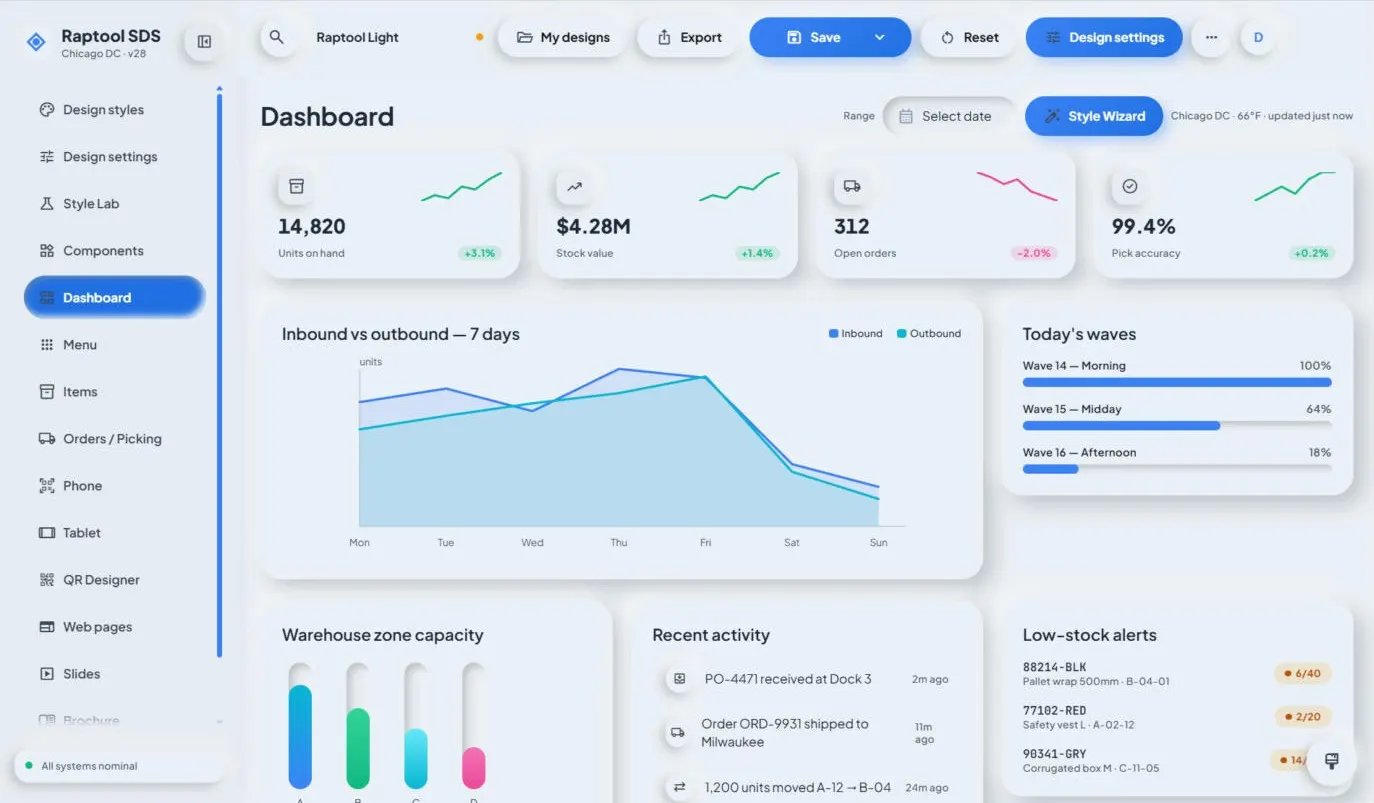
Raptool Designer lets you build business apps by dragging screens together. Pick your style, connect your data and publish to every device in one click.
Raptool 8
Raptool Designer comes in two editions, so you can pick the way of working that suits the app. Both publish to the Raptool Client.
Build flat Raptool apps by dragging components onto the screen. Everything is visual, so anyone on your team can build.
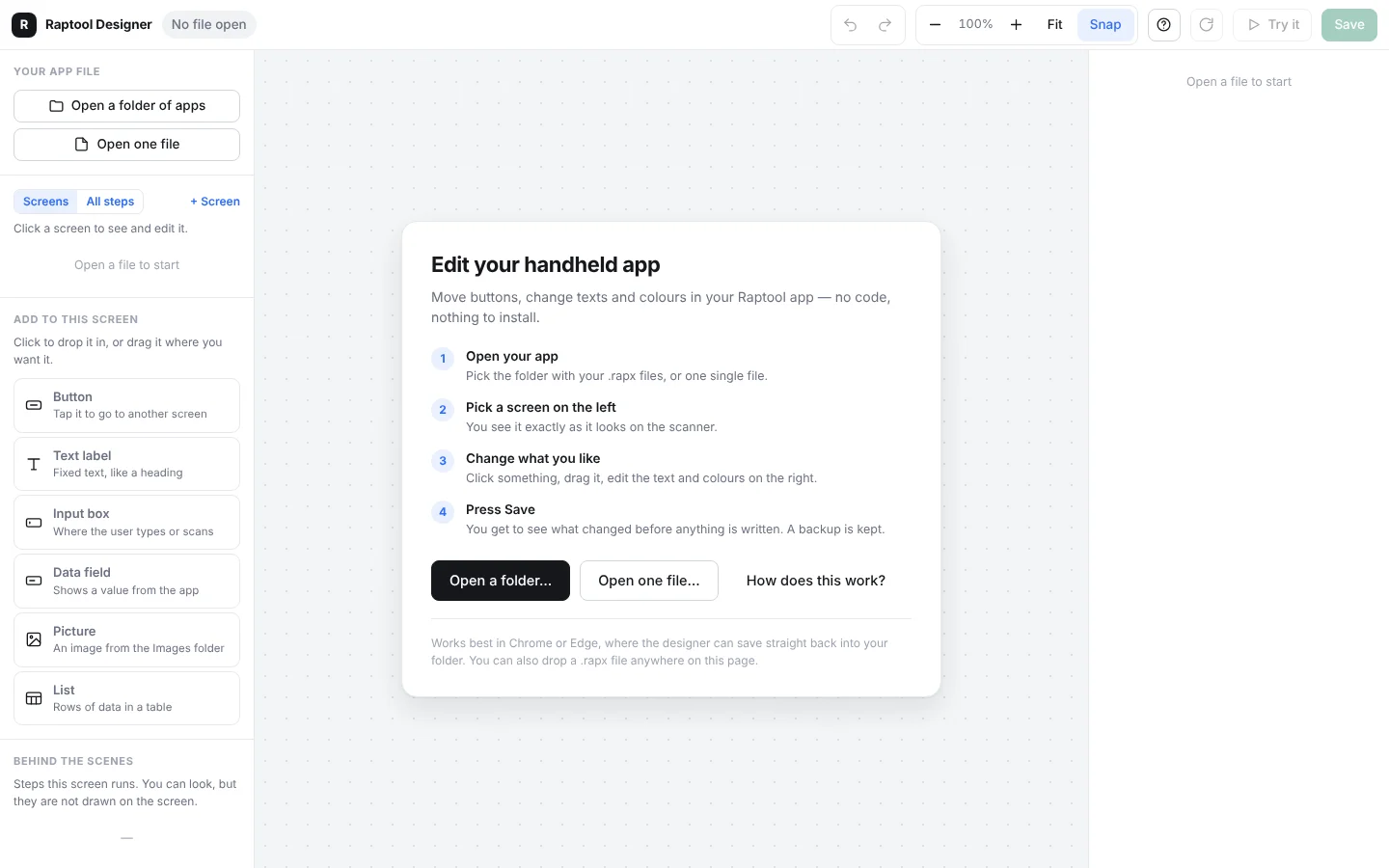
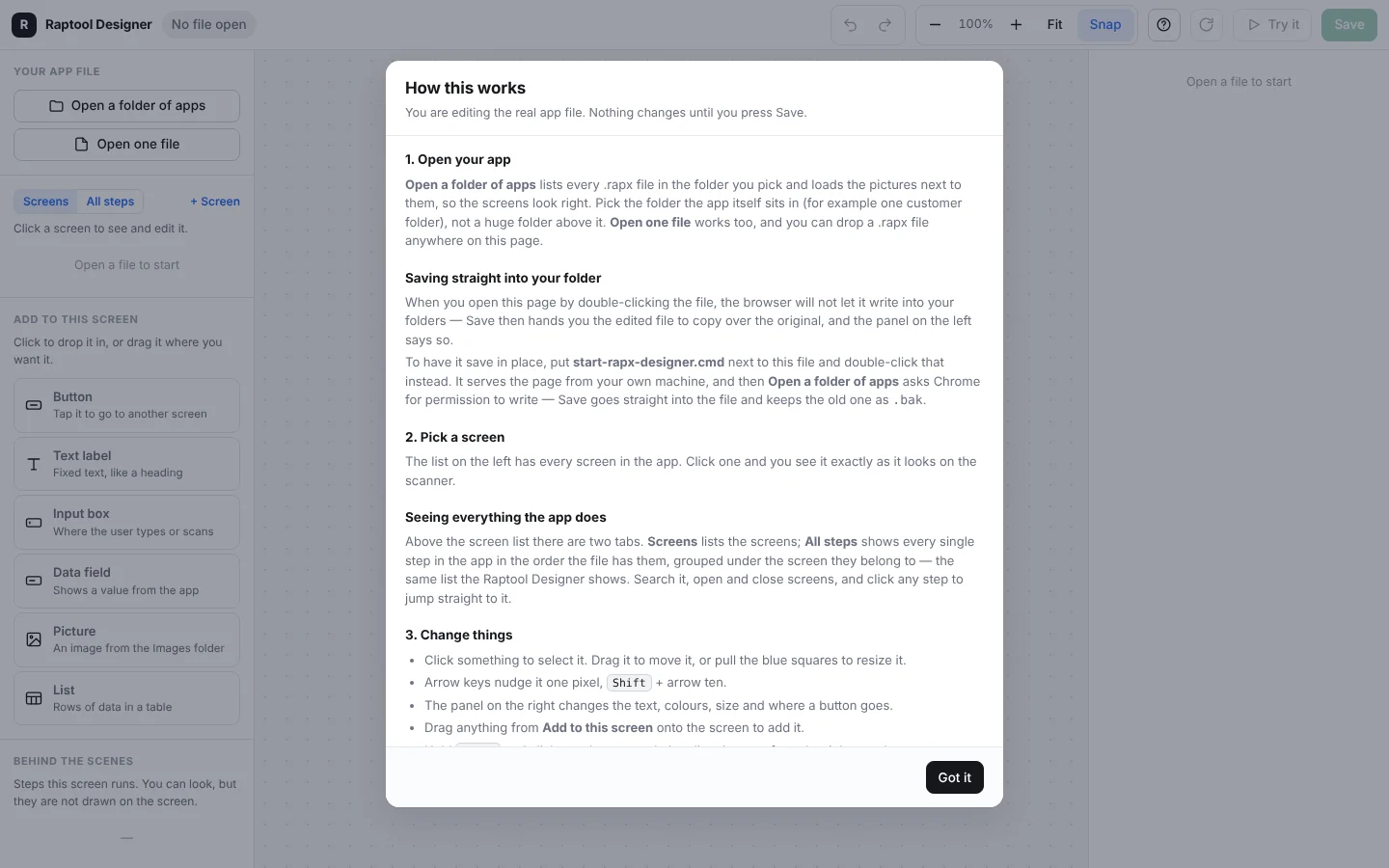
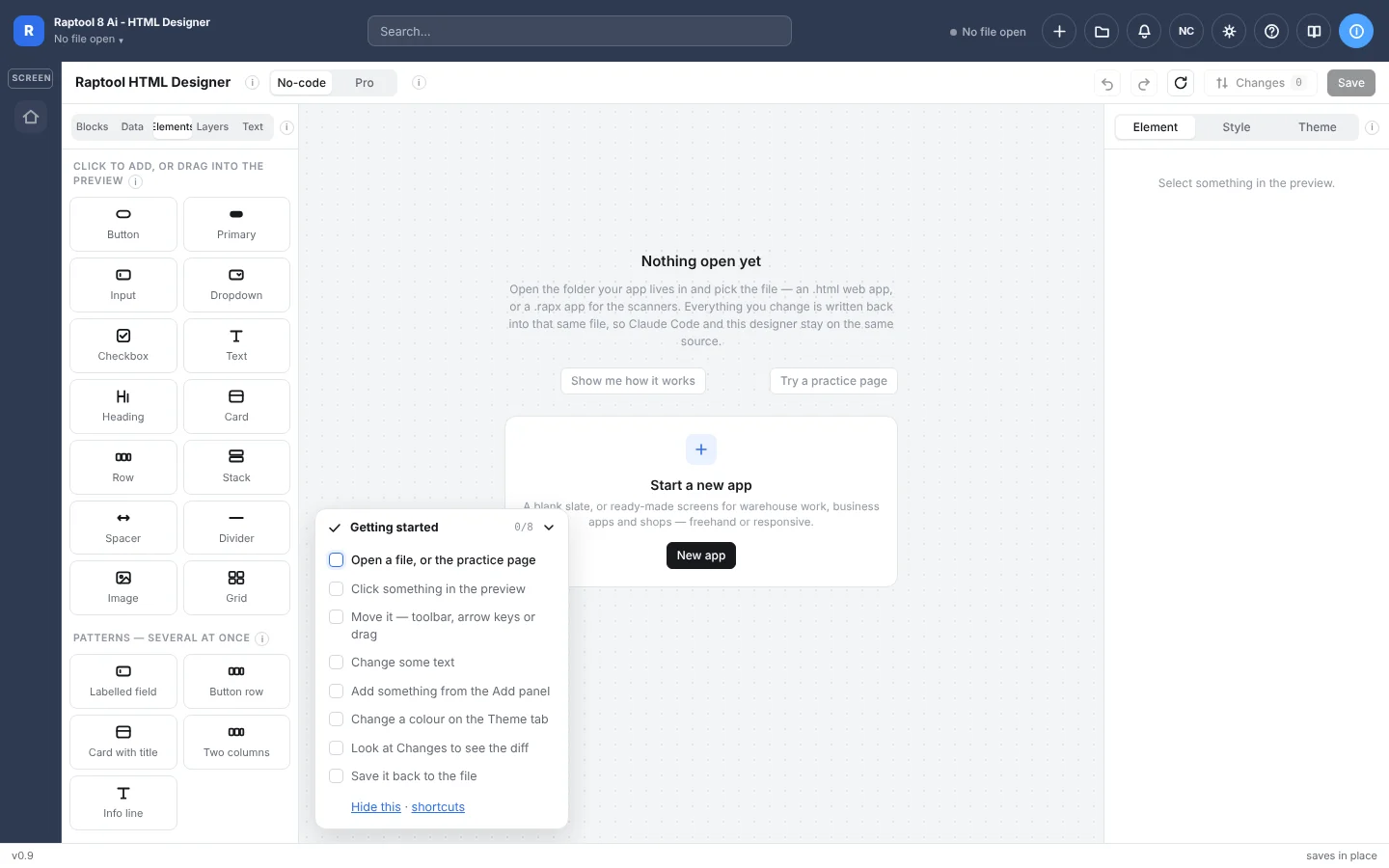
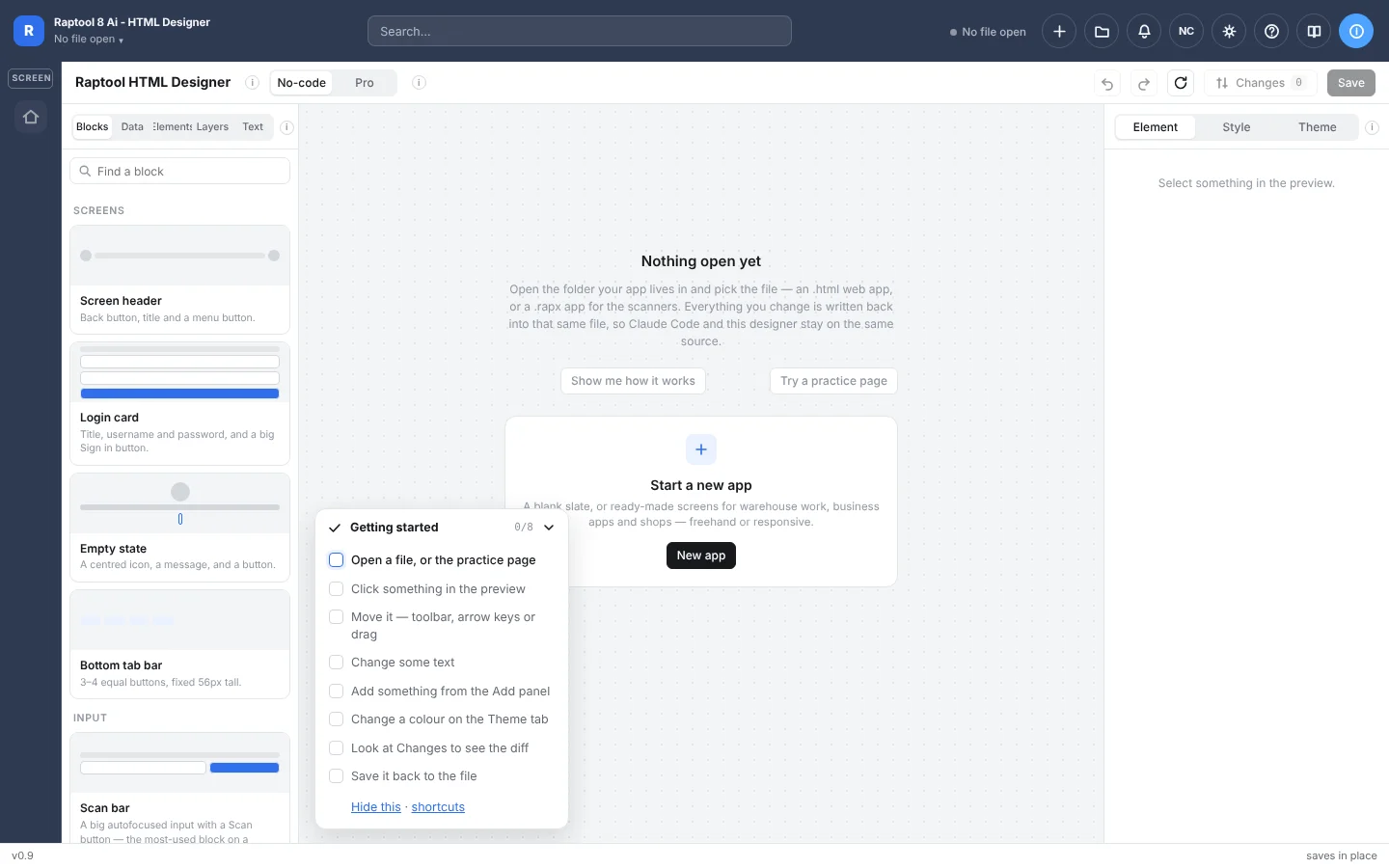
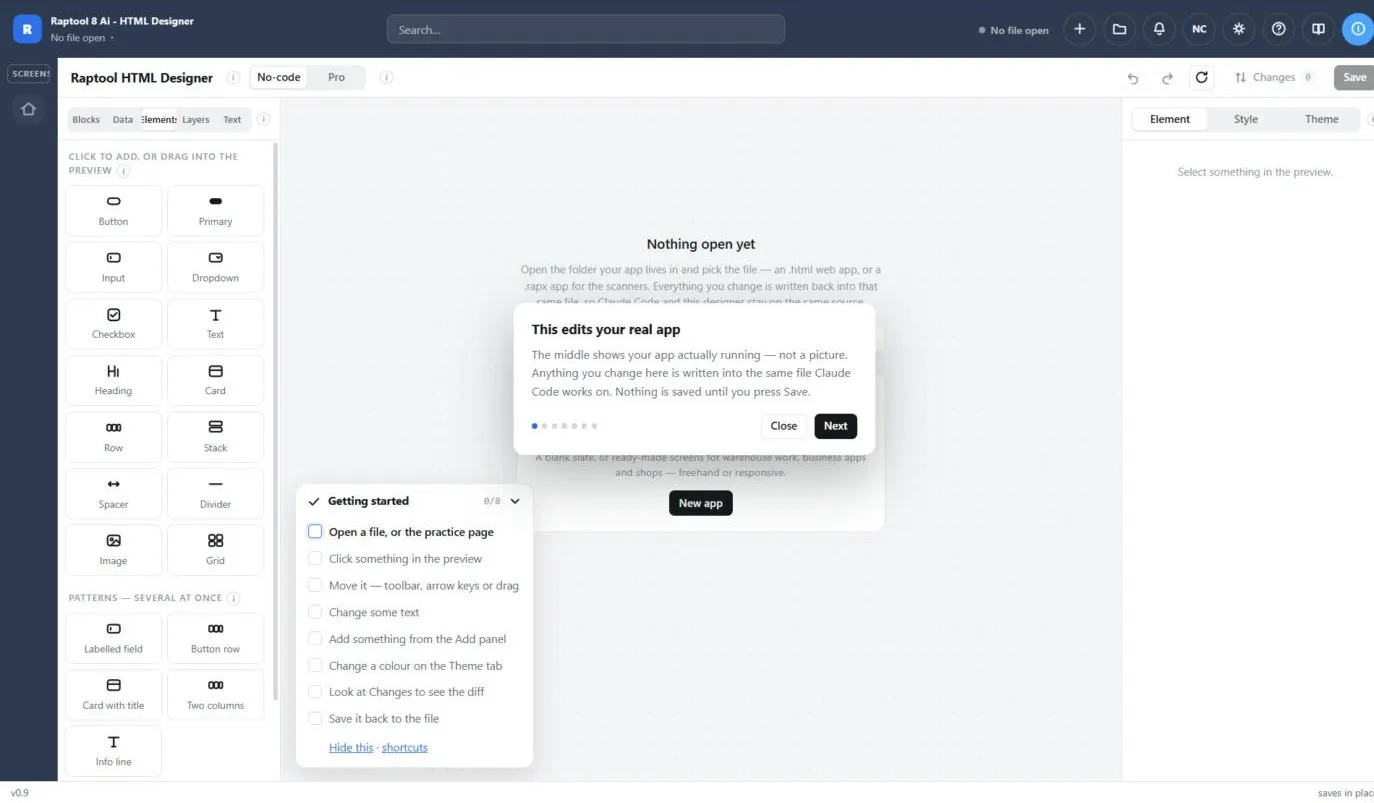
Design HTML apps with ready-made blocks, and drill down to the source when you need more control.
How it works
No programming and no separate builds for each platform. Design the app once and your whole team gets it on the devices they already use.
Drag components onto the screen, pick your style and connect your data.
Press Publish. The app goes out to every device in one click, no app store round trip.
Your team opens it in Raptool Client on Android, iPhone, iPad, Windows or Mac, online or offline.
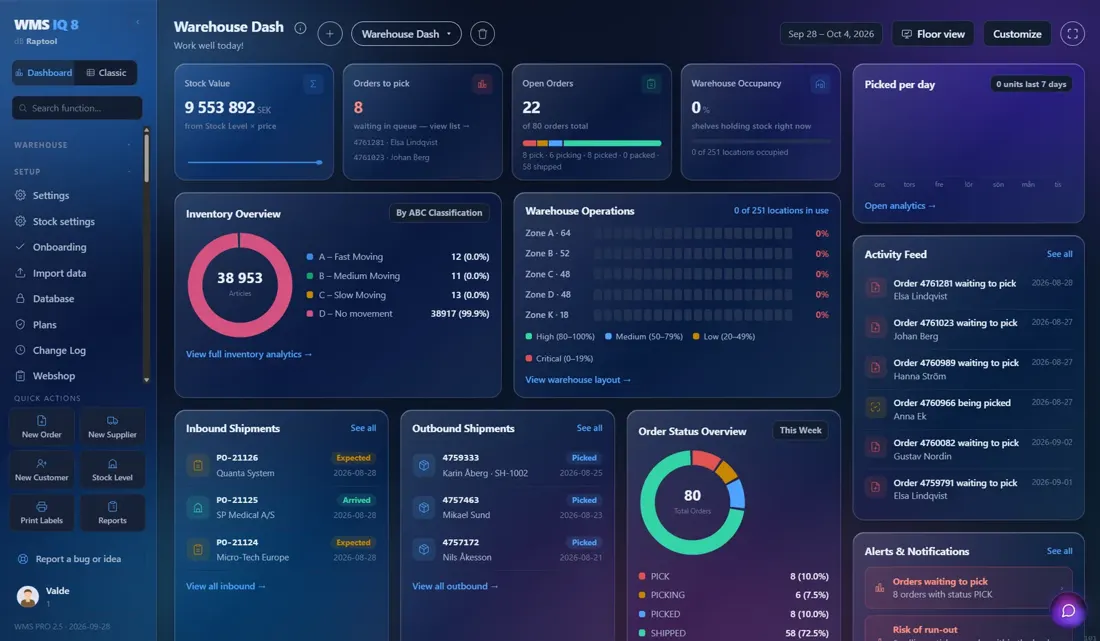
Build business apps without writing code. Arrange your screens, pick your style and send the app to every device in one click.
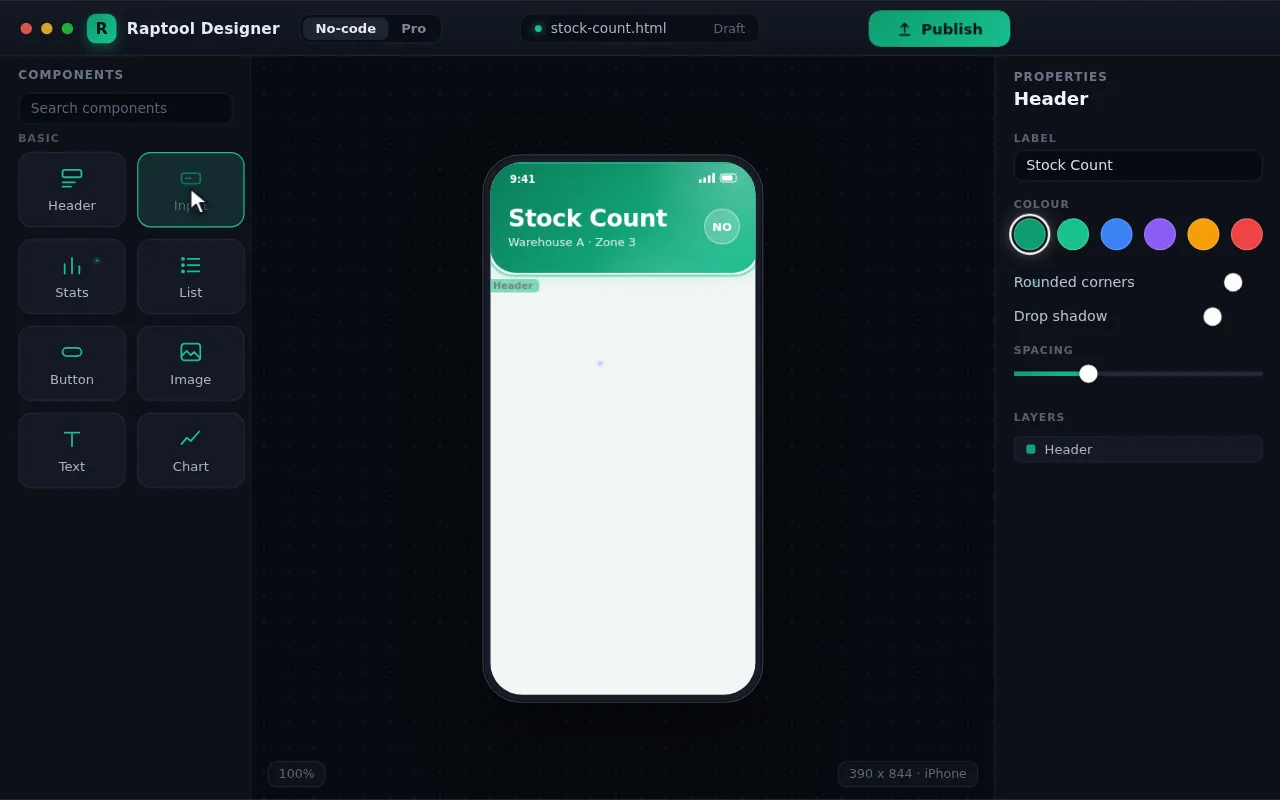
Drag components onto the screen, set colours and connect your data. Everything is visual, so anyone on your team can build.
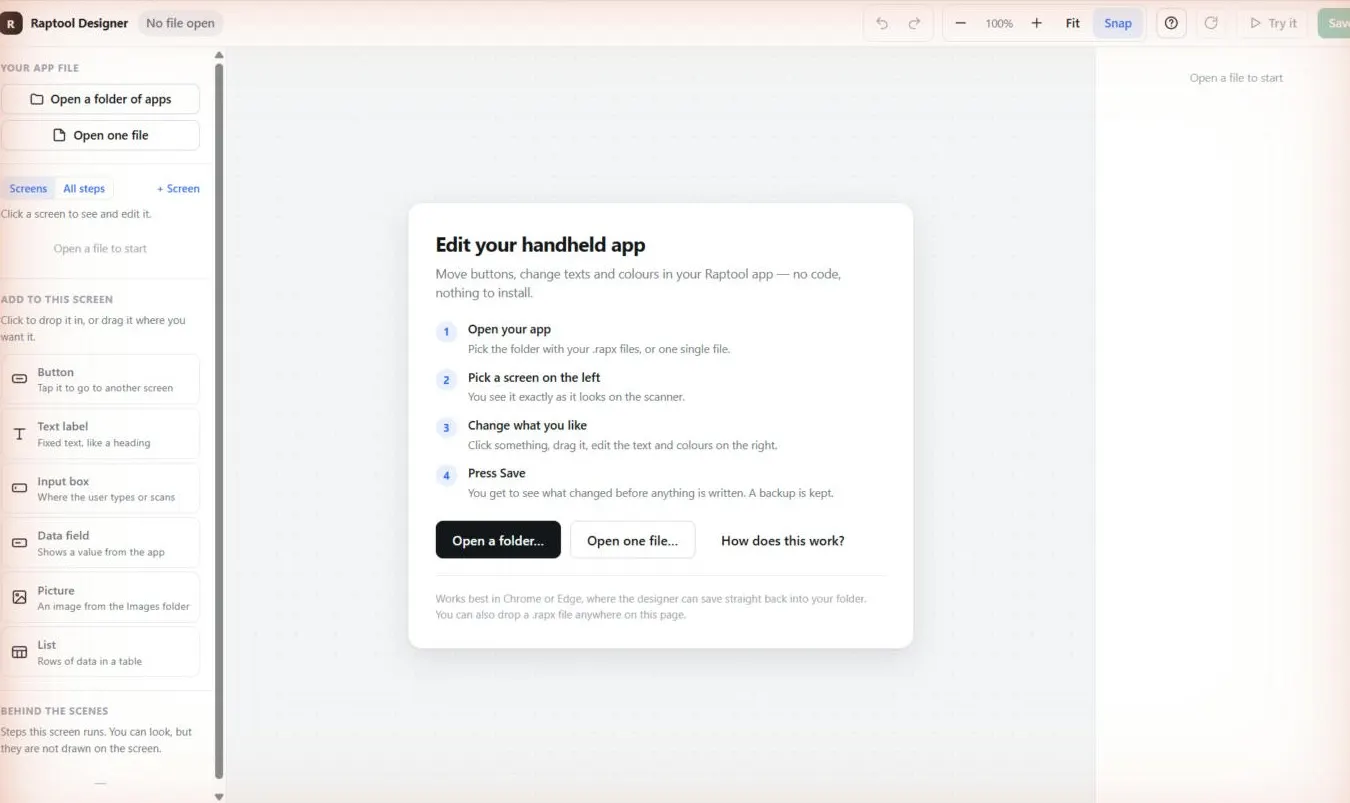
Need more control? Drill down to the source and fine-tune every detail. The visual view and the code stay in sync.
Set your colours, fonts and buttons once. Every app you build looks like it belongs to your company.
What you get
Headers, inputs, lists, stats, buttons, images and charts. Build screens visually, without writing code.
Set colours, fonts and buttons once. Every app you build looks like it belongs to your company.
Drill down to the source and fine-tune every detail. The visual view and the code stay in sync.
Publish to Android, iPhone, iPad, Windows and Mac at once. No recompiling for each platform.
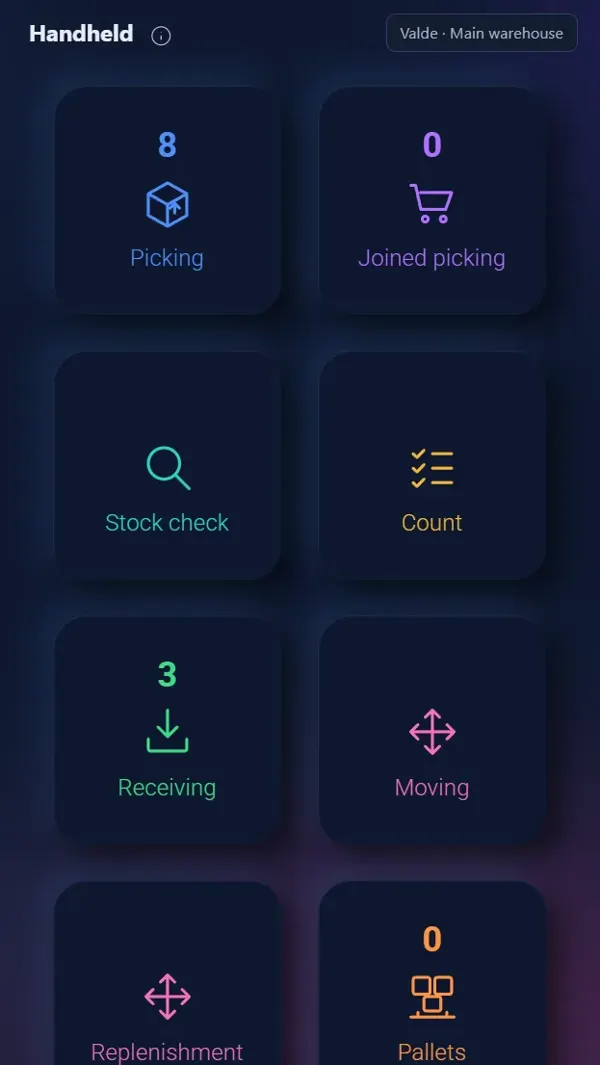
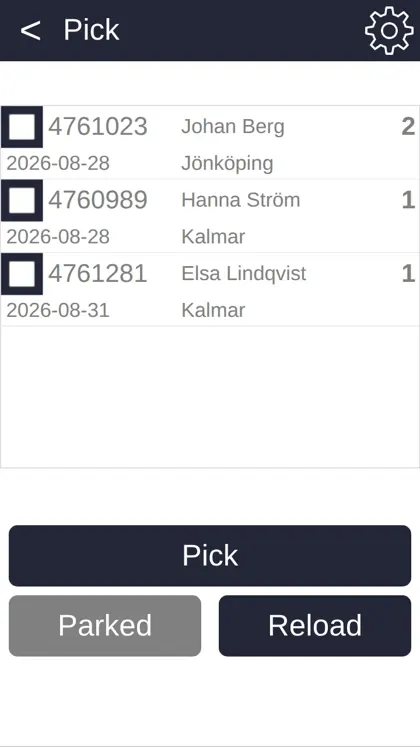
Use the camera, barcode scanners, RFID readers and label or receipt printers from your screens.
SAP, Microsoft Dynamics, Fortnox, Visma and more through the Raptool Integration Server.
Raptool Client
The Raptool Client is the app shell every Raptool app runs in. Install it once and your apps get the scanner, the camera, the printer and the RFID reader, online or offline.
Built-in scanners and camera scanning
Photos and scans inside your app
Read tags with the device you hold
Print on the spot
Keep working, sync when you are back
Know where people and stock are
One sign-in for all your apps
Trusted apps, managed devices
FAQ
Quick answers about building business apps with Raptool Designer.
More questions? See the full FAQRaptool Designer lets you build business apps by dragging screens together, without writing code. You pick your style, connect your data and publish to every device in one click.
No. In No-code mode everything is visual, so anyone on your team can build. If you need more control, Pro mode lets you drill down to the source, and the visual view and the code stay in sync.
You publish once and the app goes out to Android, iPhone, iPad, Windows and Mac at the same time, with no recompiling for each platform. Your team opens it in the Raptool Client, online or offline.
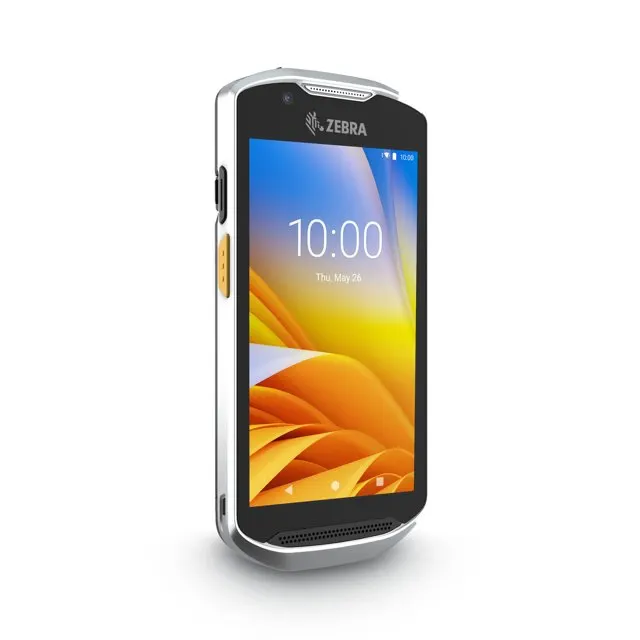
Yes. Your screens can use the camera, barcode scanners, RFID readers and label or receipt printers. The Raptool Client works with devices from Zebra, Honeywell, Datalogic and Newland.
Yes. Apps can connect to SAP, Microsoft Dynamics, Fortnox, Visma and more through the Raptool Integration Server.