Lost it? FindIt.
One place for everything lost and found at your office, campus, hotel or venue. People report items from their phone, FindIt suggests matches, and your team checks proof of ownership and records every handover.
- Phone app and staff workspace
- Suggested matches
- Proof of ownership
- Sign in with your Raptool Account
Everything a lost and found desk needs, in one system
For everyone who loses, finds or returns.
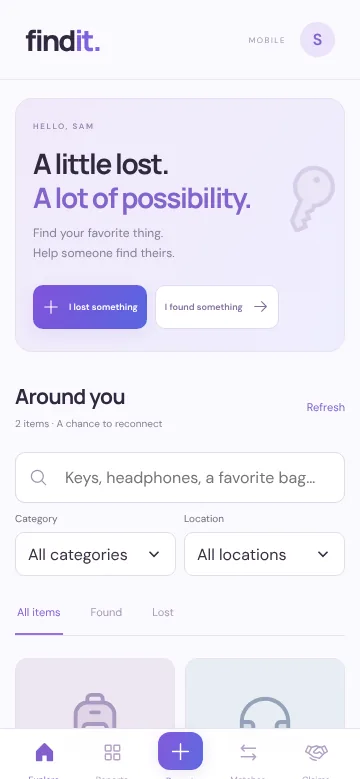
The phone app for the people in your building, a workspace for the team at the desk, and the same app inside the Raptool Client on your handhelds. All three share one inventory.
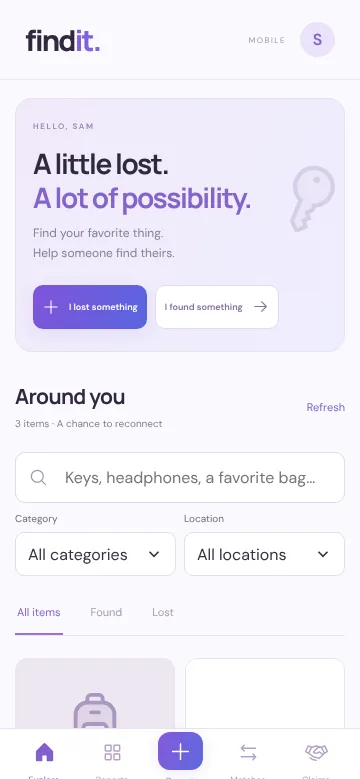
Report it in a minute
Anyone in your community can report what they lost or found, with a photo, place and date.
- "I lost something" and "I found something"
- Search by name, category and place
- See suggested matches for your report
- Claim an item and follow the claim
Run the lost and found desk
For reception, security, facility and front desk teams.
- The full inventory of lost and found items
- Review claims and approve the owner
- Record the handover with a receipt
- Places, organisations and people
On the handhelds you already have
FindIt also runs as an app in the Raptool Client, on rugged handhelds, phones and tablets.
- Signed in with the person's Raptool Account
- Photos of found items straight from the device
- Same inventory as the web
Follow one item back to its owner.
Every step is recorded, so you always know where an item is and who has it.
- Someone finds a backpackThey report it in the phone app with a photo, the place and the date.
- The owner reports it lostTheir lost report lists the colour, the category and where they last saw it.
- FindIt suggests a matchSame category, same colour, same place and within a week ranks highest.
- The owner claims itThey describe a unique mark, the contents or a serial number as proof.
- The desk hands it overStaff approve the claim and record the handover with a receipt.
The right item to the right person.
A claim needs a description only the owner would know before staff can approve it.
A staff member can never approve their own claim. Another person has to review it.
When one claim is approved, the other open claims on that item are closed.
Reports, claims, reviews and handovers keep who did what and when.
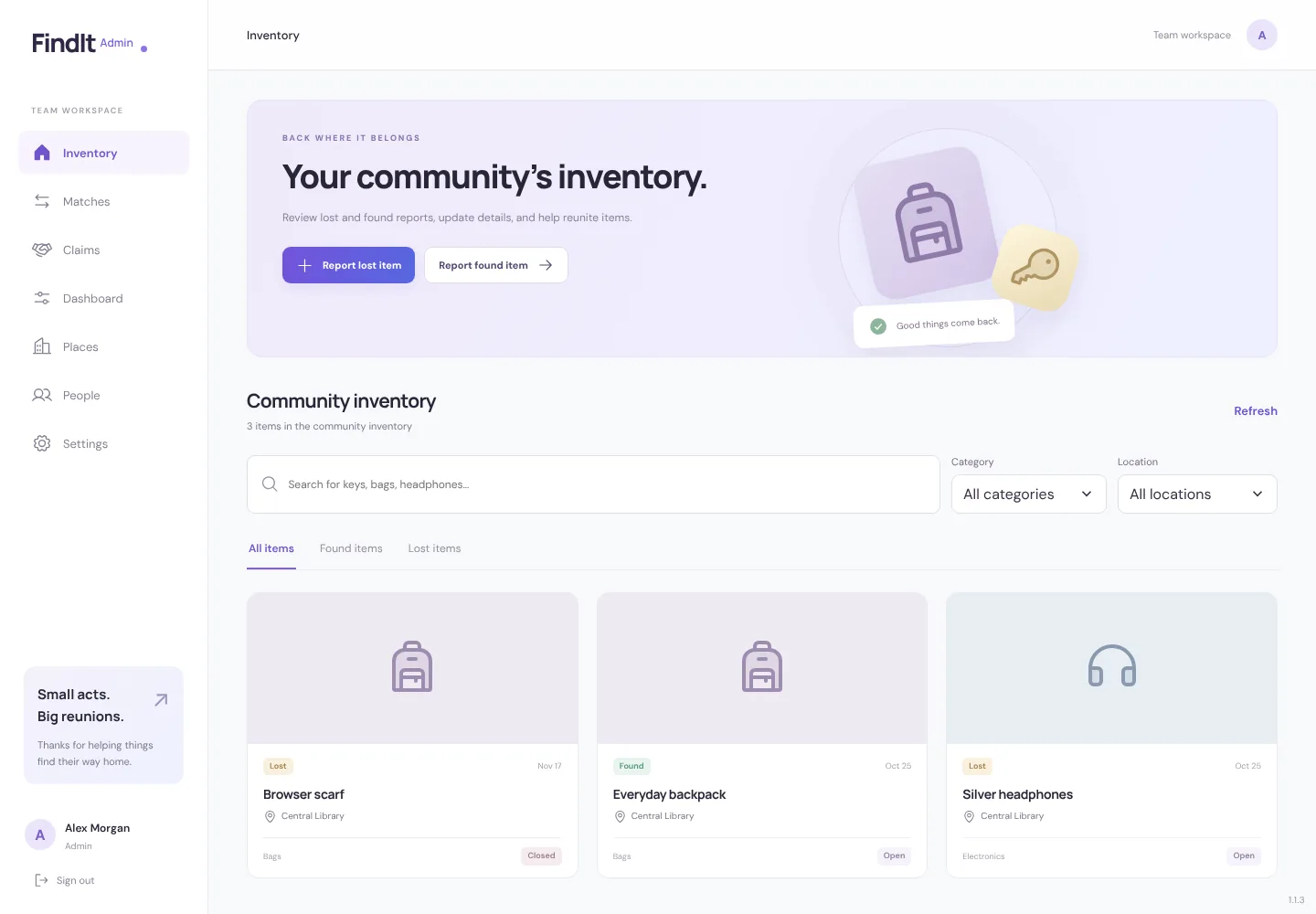
The whole desk, on one screen.
Clear desktop views for the team at the desk, and phone screens for everyone else.
Every item in one list.
Lost and found reports from the whole community, with photos, places and status. Search, filter and open any report to update it.
- Found items and lost reports side by side
- Filter by category, place and status
- Add photos (PNG, JPEG or WebP)
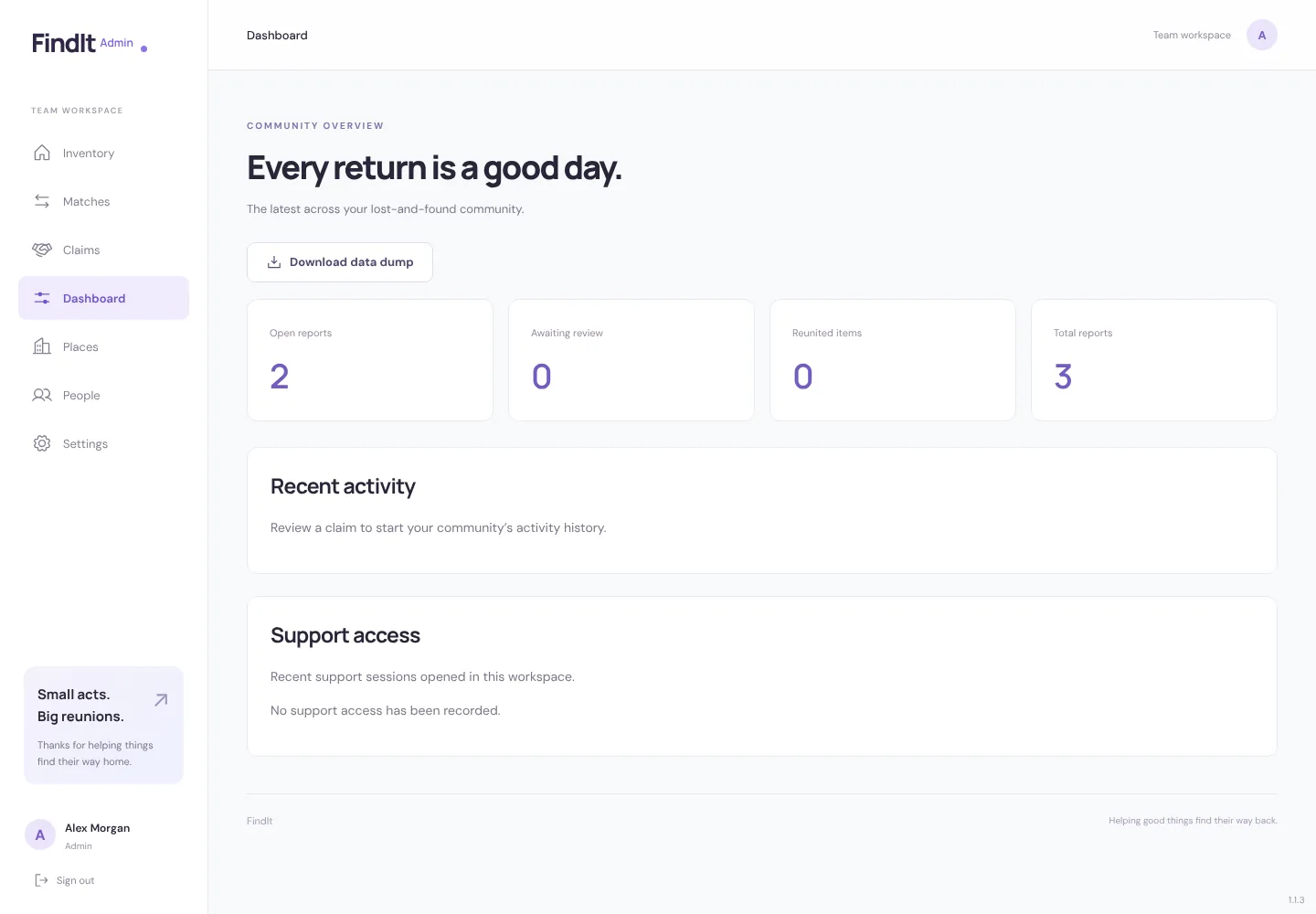
Know what is waiting.
Open reports, claims waiting for review, items returned and the total, with recent activity and the support access log.
- Download a full data dump at any time
- See when Raptool support opened your workspace, and why
Your places, your people, your rules.
Places and sites
Add your buildings, receptions and desks, so every report says exactly where an item was lost or found.
People and roles
Members report and claim. Staff run the desk. Admins manage places, people and settings. Import people from a list.
One sign-in
Everyone signs in with their Raptool Account, the same username and password as every other Raptool app.
Your own workspace
Each organisation gets its own workspace with its own data, kept apart from everyone else's.
Your data, to take with you
Download a full data dump of your workspace from the staff workspace whenever you want.
Change it to fit
Need your own fields, screens or an integration? Raptool builds it into FindIt for you.
Wherever people come and go.
Questions about FindIt.
Quick answers about the apps, signing in and getting started.
What is included?
A phone app for reporting, searching and claiming items, a staff workspace for the lost and found desk, and the same app for the Raptool Client on handhelds. All three share one inventory.
How do people sign in?
With their Raptool Account. It is the same username and password for every Raptool app, and passwords are reset through Raptool Hub.
How does FindIt suggest matches?
It compares open lost reports with open found reports in the same category, and ranks them higher when the colour and the place are the same and the dates are less than a week apart.
How do we know the right person gets the item?
A claim needs proof of ownership, such as a unique mark, the contents or a serial number. Staff approve the claim, and the handover is recorded with a receipt. Staff can never approve their own claim.
Which devices can we use?
Any phone, tablet or computer with a web browser. The Raptool Client app for Android and iOS handhelds is coming soon.
FindIt, live.
The phone app is for everyone in your community; the staff workspace opens for your team. Both sign in with a Raptool Account.
Phone appEveryone, phoneReport lost and found items, see matches and claim what is yours.Sign in with Raptool Accountapps.raptool.com/findit/
Staff workspaceLost and found deskInventory, matches, claims, handovers, places, people and the dashboard.Staff: sign in with Raptool Accountapps.raptool.com/findit/admin/
Raptool Client appHandhelds, phones and tabletsFindIt inside the Raptool Client, for teams that work on handhelds.Coming to the Raptool ClientRaptool Client
Bring more things home.
Open FindIt and try it, or book a 30-minute walkthrough for your own places and team.