Retail solution
Run your store from one mobile app.
Raptool Retail puts stock counts, order picking, labels and customer help in your staff's hands. It works with your POS and ERP, or on its own.
- Native apps, not web pages
- Runs offline, very fast
- Integrates with any ERP
- Free 30-day trial

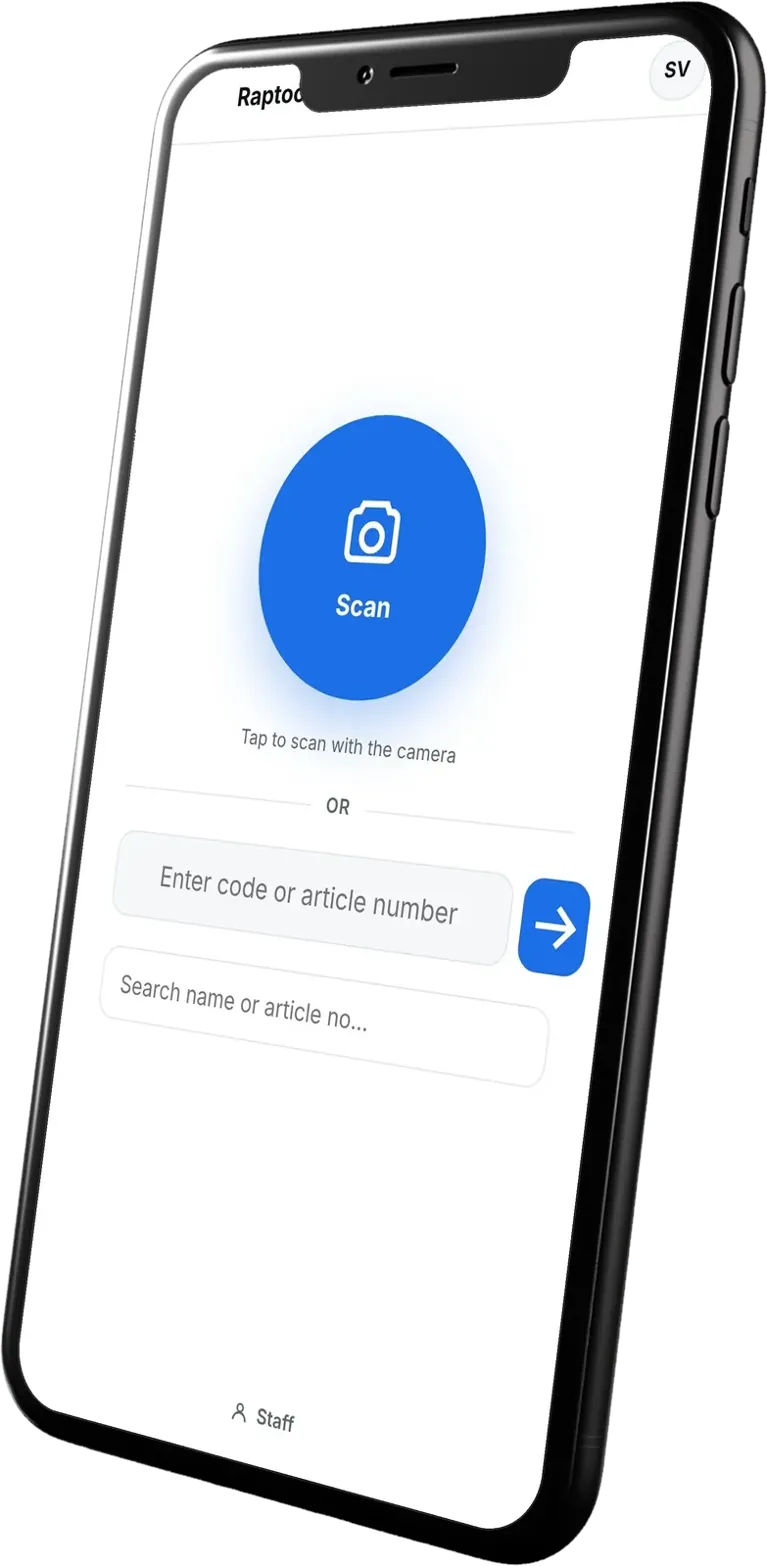
Trusted by thousands of small and large stores around the world
What you can do
Everything your staff does, on mobile.
Cover the daily jobs in your store with apps your team picks up in minutes.

Count stock without the paperwork
Upload an Excel item list to the web backend. Count on a phone, tablet or barcode device, online or offline. Download the results as Excel or CSV.
- Upload your item list as Excel
- Count online or offline
- Export results to Excel or CSV

Restock from your mobile device
Scan barcodes, enter items manually or auto-order based on minimum quantity. Send each order to your supplier your way.
- Auto-order from minimum quantity
- Send by email as PDF or EDI
- Or send through your ERP or POS
Receive goods and move stock
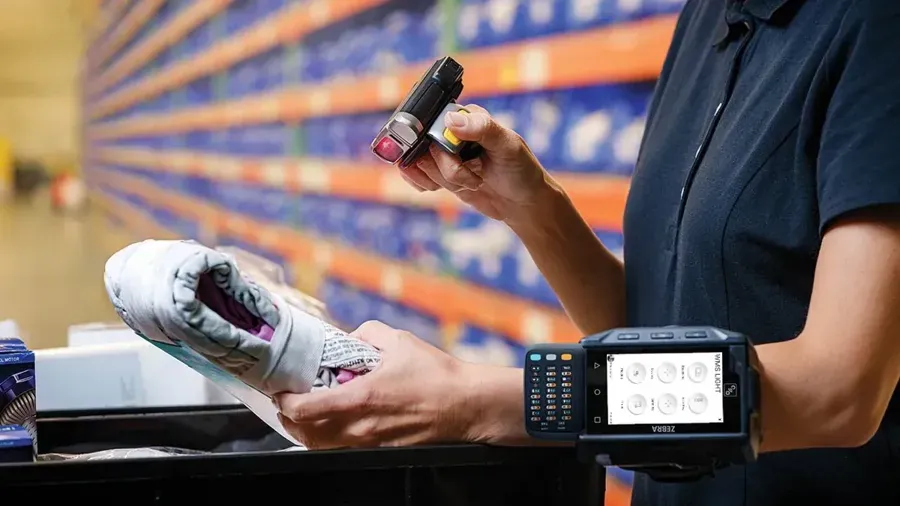
Receive goods from suppliers and approve them on your mobile. Move products from backroom to store, or from store to store. Report damaged goods right when they arrive.
- Approve deliveries on mobile
- Move backroom to store
- Report damaged goods on receiving
Help customers on the shop floor
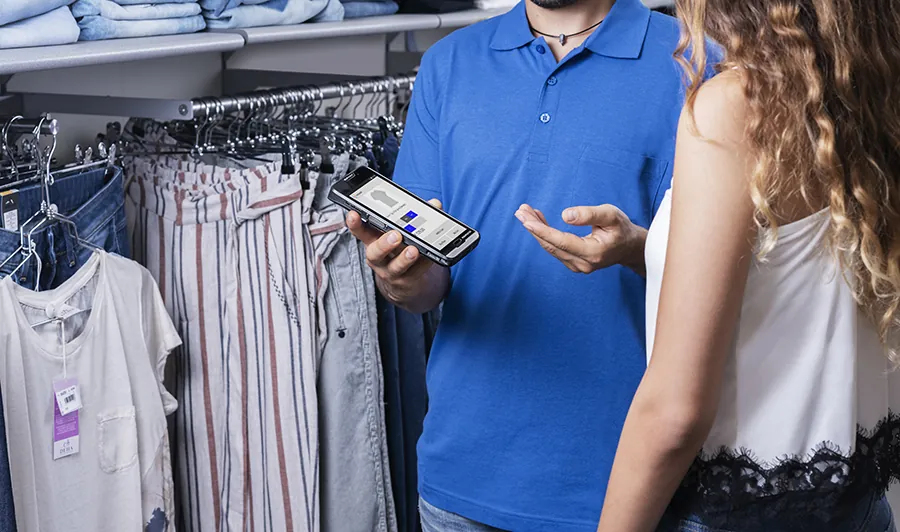
Check stock in all stores, including colours and sizes. See prices and stock location, set discounts and find alternative products. Create custom orders and send them to the POS.
- Stock, prices and locations at hand
- Check profit or loss on a price change
- Charge mobile and bust queues

Pick web orders faster
Staff get a notification when a new web order needs picking. Text-to-speech says where to go and how much to pick. Pictures show the product and staff confirm by scanning.
- Pick up to 30 orders at once
- Use a trolley or a mobile
- Serve pickup or shipping orders
Print labels from the app
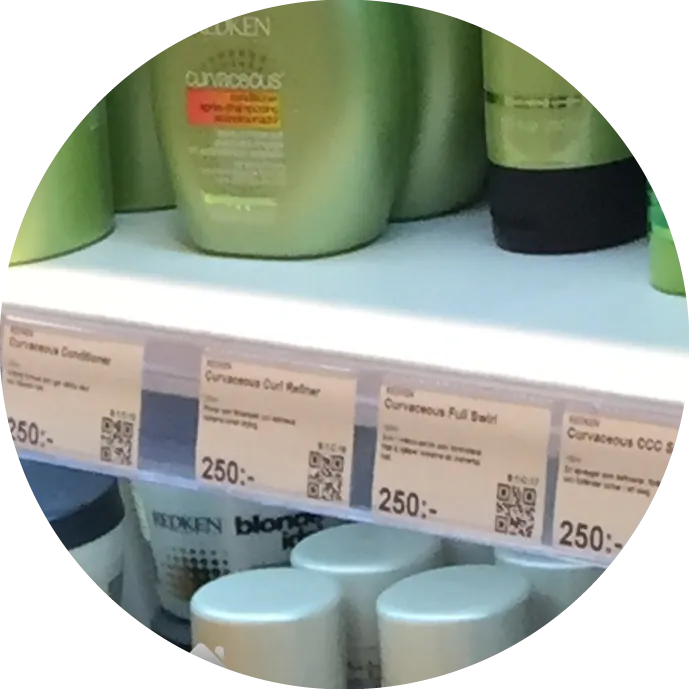
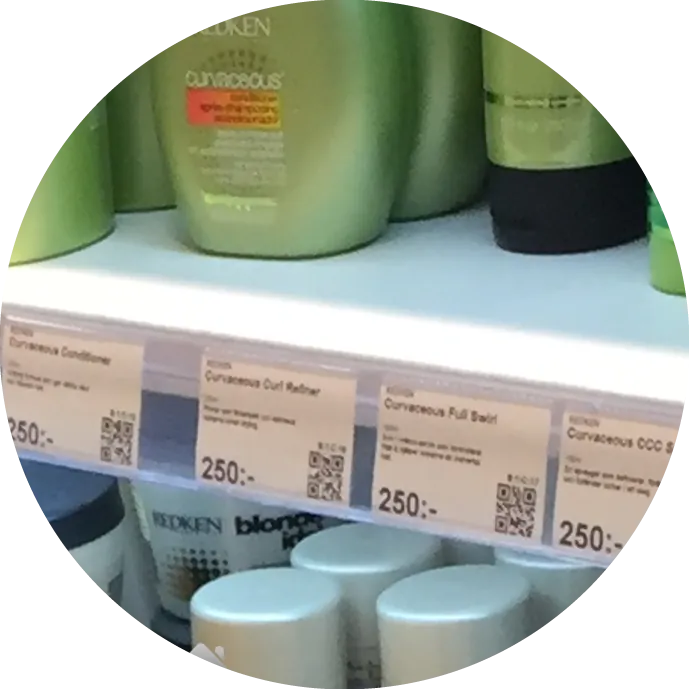
Print shelf, product or discount labels on any label printer. Check cost, price and margin before you print a discount price.
- Shelf, product and discount labels
- Works with any label printer
- See margin before you print
Example values
How it works
One store, one system
Follow a day on the shop floor, from the first scan to a paid basket. Shoppers, staff and suppliers all work from the same live stock.
- 1Self scanningShoppers scan items with their phone as they shop
- 2Stock countStaff count the shelf, stock updates live
- 3Information kioskPrice, stock and where to find it
- 4Auto reorderLow stock becomes a supplier order by itself
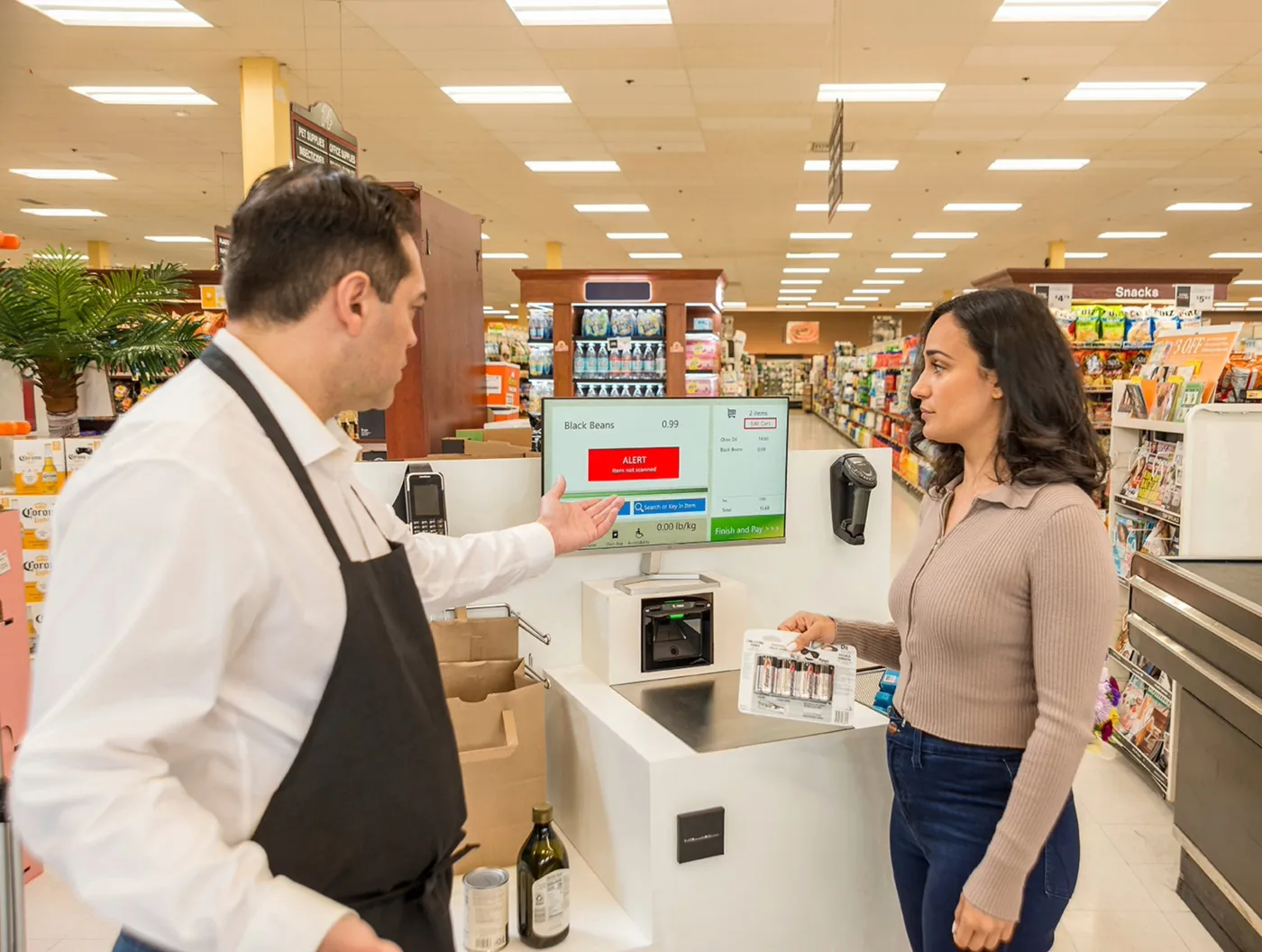
- 5Self checkoutScan, pay and go without a queue
Example values
Speed
How fast can you scan?
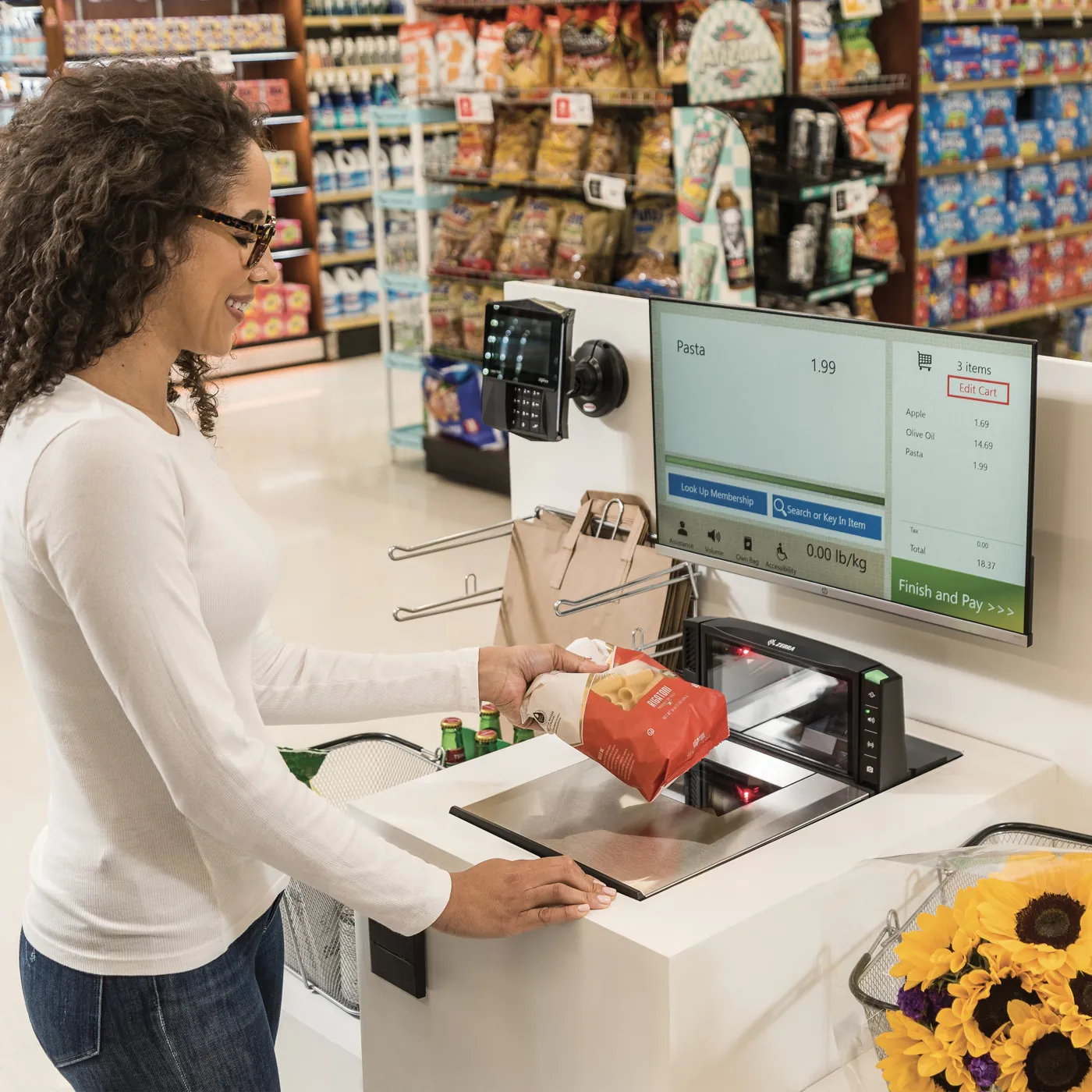
Raptool apps run offline and store millions of lines locally. That keeps every search and scan very fast.
- Millions of lines stored locally
- Fast even without a connection
- Price mark-down in a few taps
- Print a label and move stock store to store
Example values
Restock
Order from suppliers in seconds.
Restock straight from your mobile device. Scan, type or let Raptool auto-order when stock drops below your minimum.
- Scan barcodes or enter manually
- Auto-order on minimum quantity
- Send as PDF, EDI or via ERP/POS
- Report damaged goods on receiving
Example values
Self shopping
Let customers scan and pay themselves.
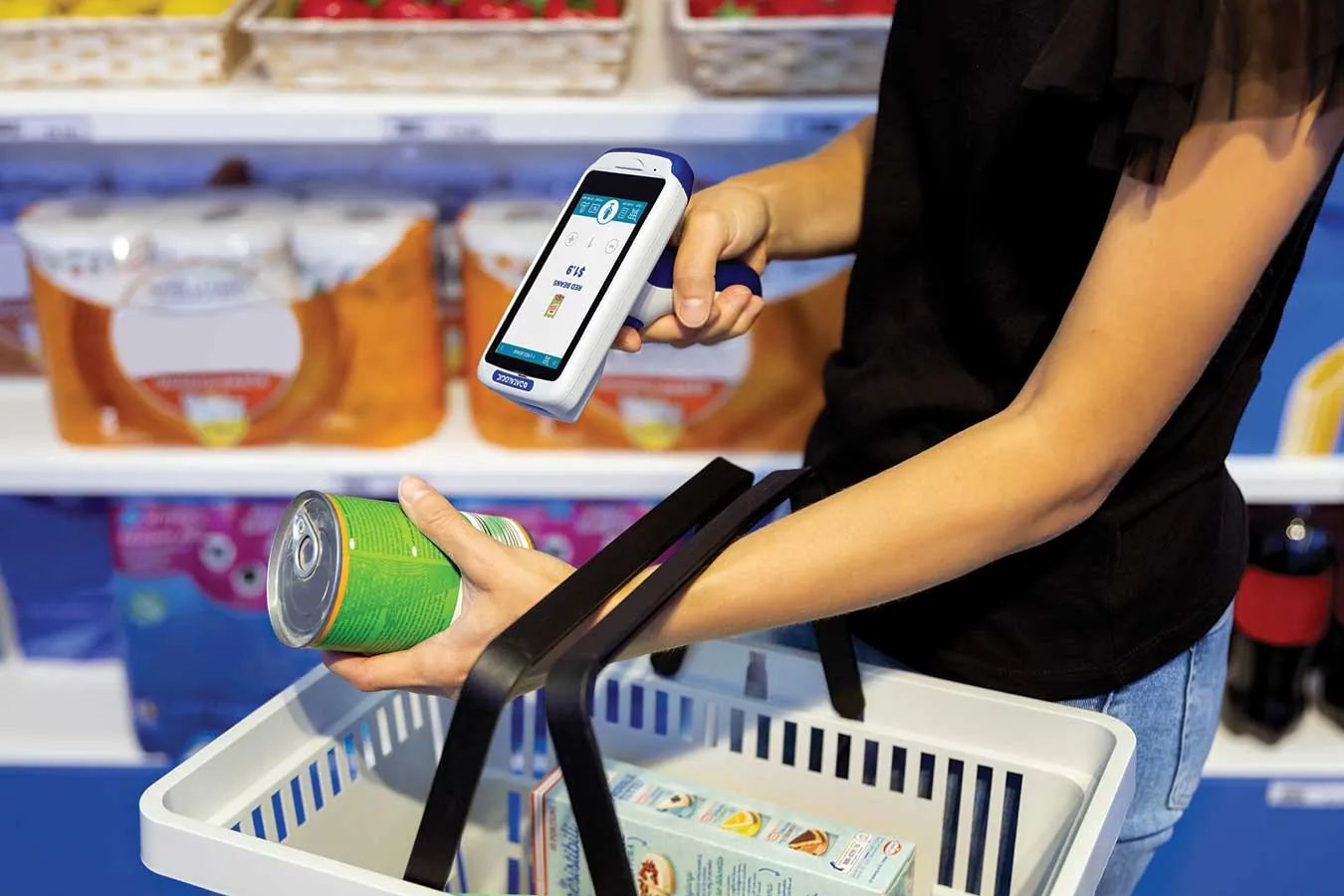
Offer self-scanning devices that customers pick up in store. Or let them shop and pay with the app from the app store.
- Self-scanning devices in store
- Shop and pay in the customer app
- Loyalty points
- Customer-specific campaigns
- Stock in other stores and a store locator
Made for stores
See the store apps in your own shop flow.
Book a demo, try the apps free for 30 days, or just ask us a question.
Customer cases
Stores that run on Raptool Retail.

Acne
- Type
- Clothing retail chain
- Size
- Medium, global
- Integration
- Microsoft Dynamics AX Retail, CSV files
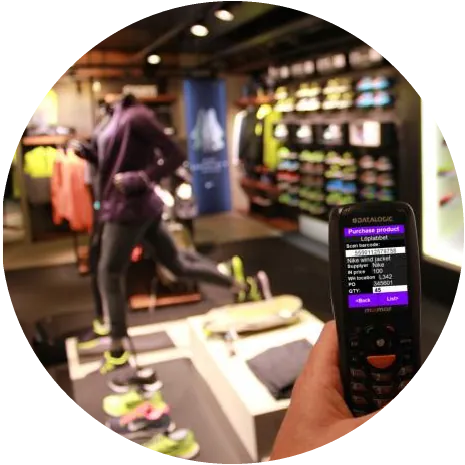
Löplabbet
- Type
- Shoe store chain
- Size
- Small, 6 stores
- POS
- Boxnet, web service API
Telenor
- Type
- Cellphones and accessories
- Size
- Large, global
- POS
- Microsoft Dynamics AX Retail, XML
Fenix Outdoor
- Type
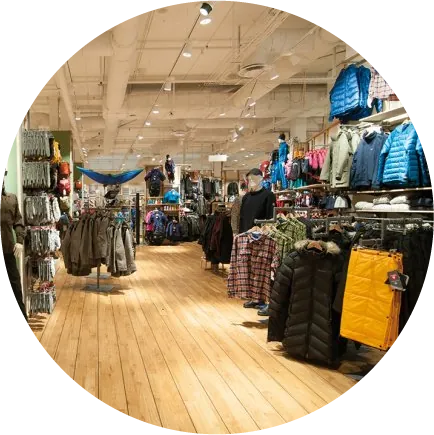
- Adventure clothes
- Size
- Large, global
- POS
- Microsoft Dynamics AX Retail, CSV

More
Go further when you're ready.
RFID
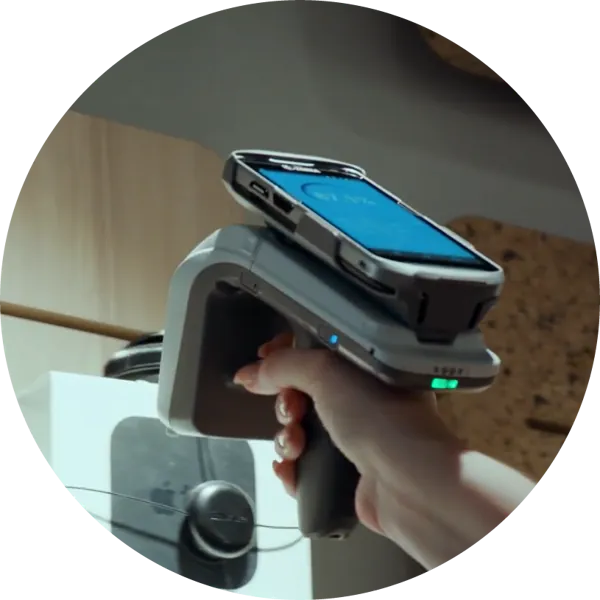
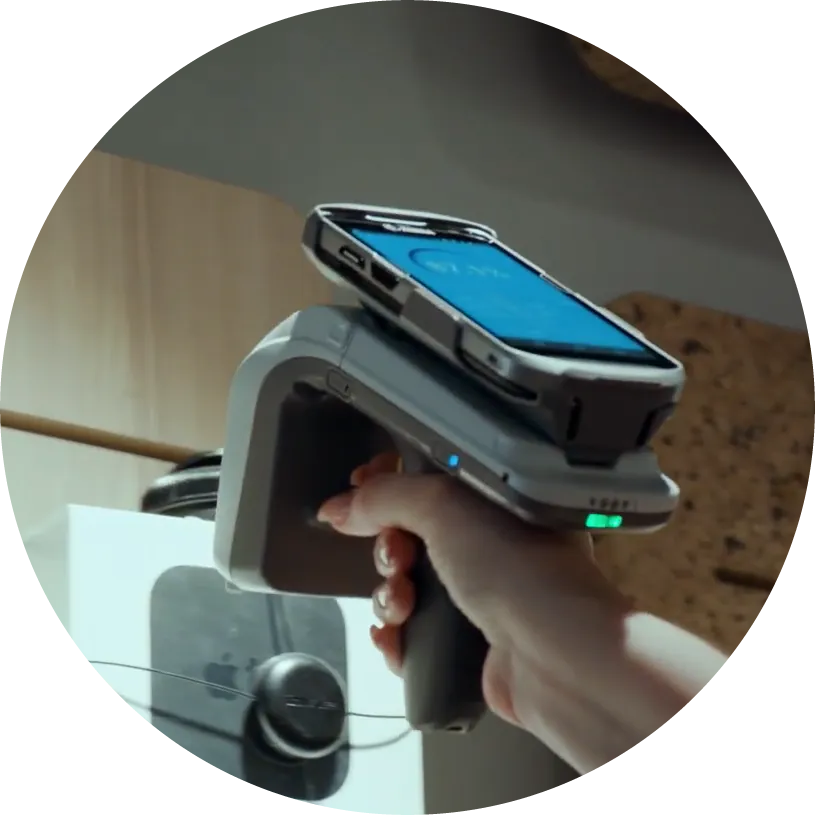
Add RFID any time, with tags built into your labels. Read thousands of products per second from up to 15 m, without opening boxes.
Integration
Use Raptool standalone or fully integrated with your systems through a no-code integration engine. The Integration Server connects to any ERP via web service, SQL, JSON or file exchange.
No-code customization
Change your apps with the no-code Raptool Designer, included free. Customizations are up to 20X faster than traditional programming.
Devices
Native apps on the devices you use.
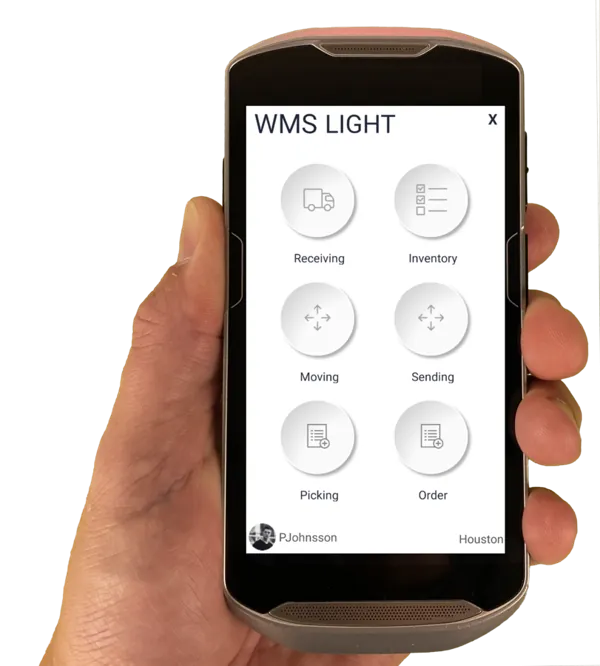
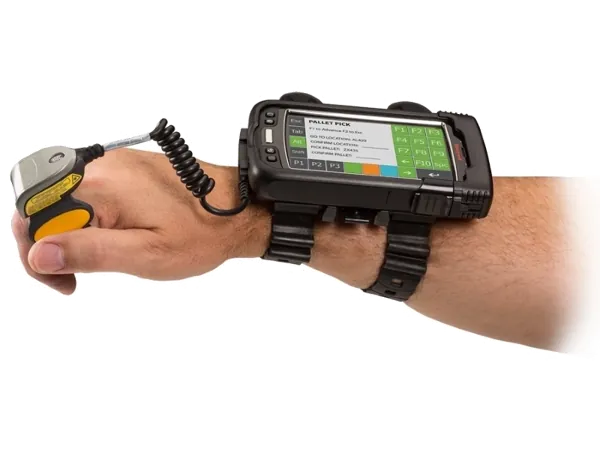
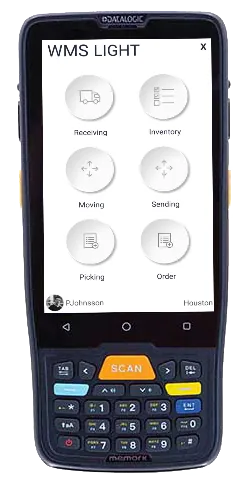
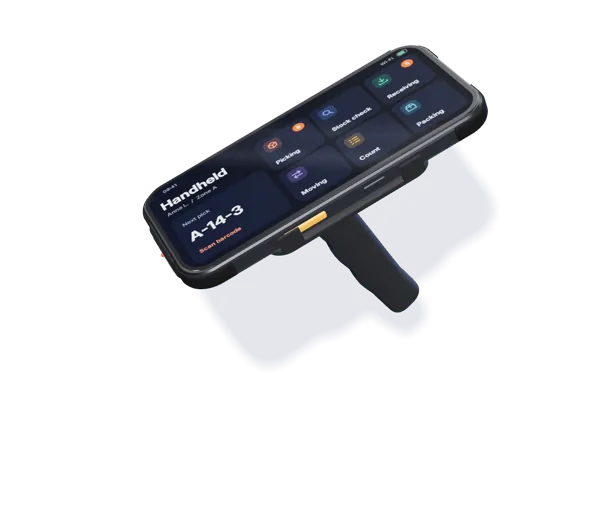
Raptool Retail runs as native apps on Android, iOS, Windows and Mac. Use phones, iPads, laptops and devices from Zebra, Honeywell and Datalogic.
See Raptool Retail in your own store.
Start your free 30-day trial today. No credit card needed.
Prefer to read first? Get the free Raptool Retail brochure (PDF)