Ready-to-go solutions

Explore the rAppstoreEvery Raptool app in one place, with live demos
Start free trial

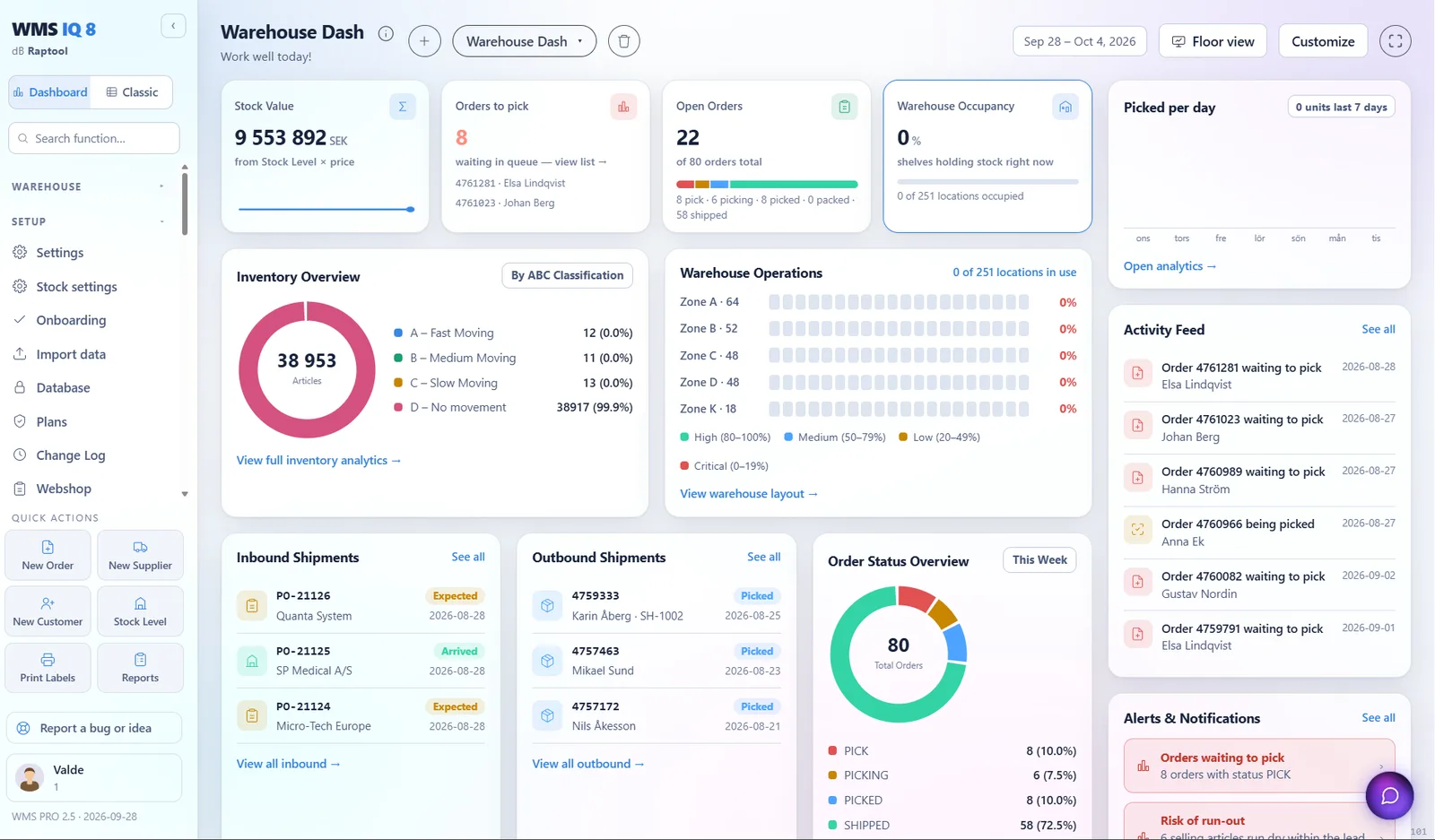
Warehouse management system

Know where every item is. Pick it faster.

Raptool WMS runs receiving, picking, stock counts and shipping from one web app and any phone or rugged scanner. It syncs both ways with Fortnox and your other systems.

Or start a 30-day free trial, no credit card needed.

  • Android, iOS, Windows and Mac
  • 105 ready connectors
  • Two-way sync with Fortnox

Connects to the systems you already run

FortnoxVisma.netBusiness CentralSAP S/4HANANetSuiteShopifyWooCommerceMagentoAmazonCDONnShiftPostNordDHL

Guided workflows for every step on the floor.

Pick a step to see how it works, from ordering to counting.

Purchasing

Order from your suppliers in a few clicks.

Start from the articles that fell below their minimum, or write an order from scratch. Then email it to your supplier from the same screen.

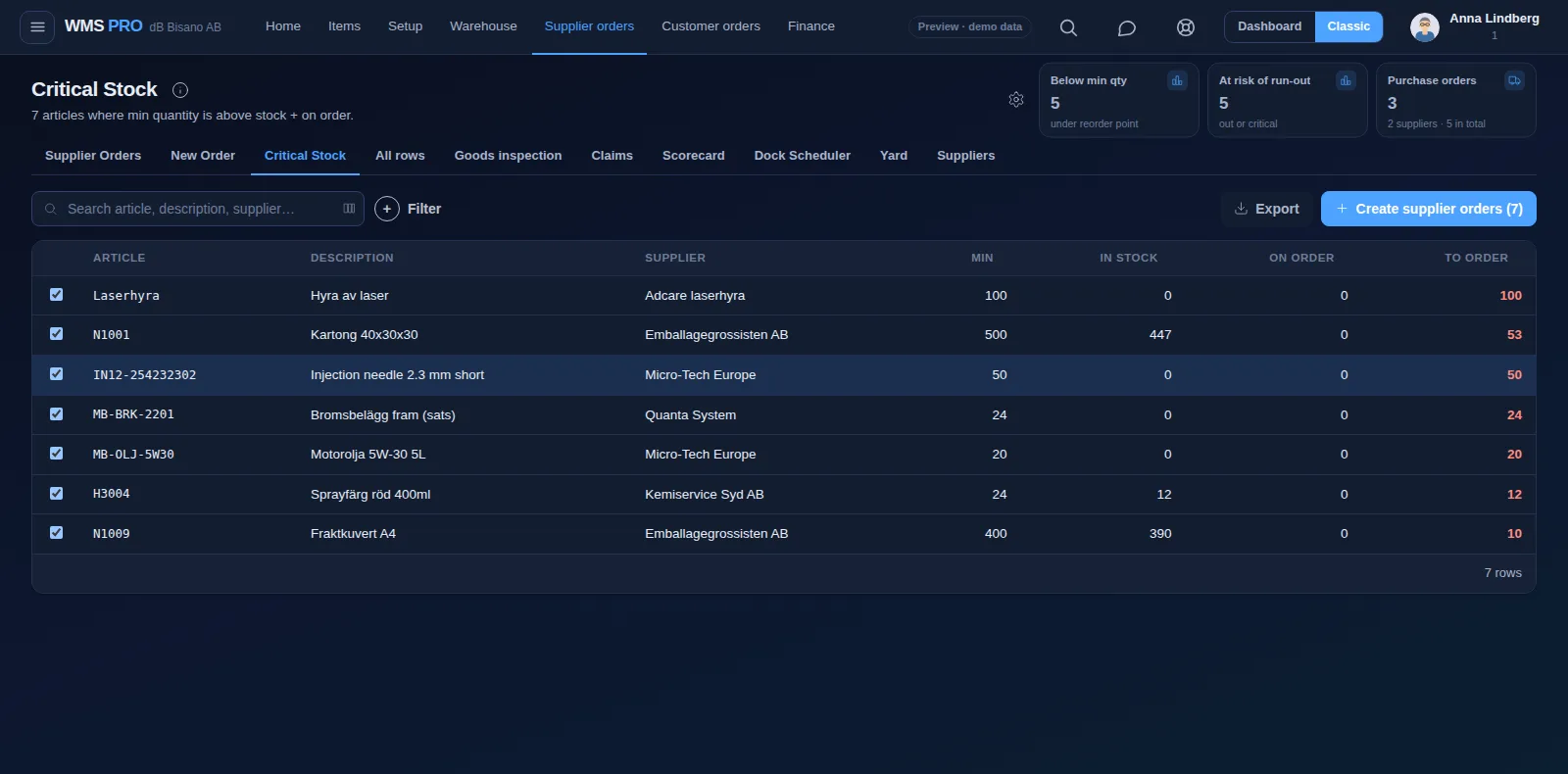
  • Critical Stock lists articles below their minimum and creates the supplier orders in one click.
  • Risk of Run-out shows days of cover and a suggested order for every selling article.
  • New Order creates the order and emails it to your supplier.
  • The supplier scorecard grades each supplier on accuracy, on-time delivery and inspection quality.
Critical Stock screen listing articles below their minimum with a button to create supplier orders
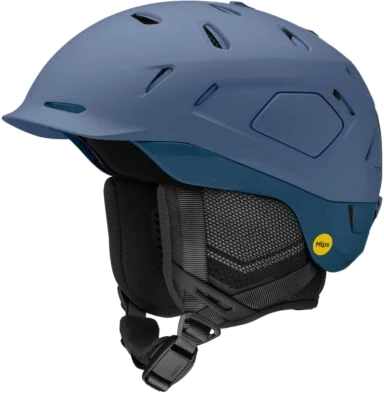
Purchase order PO-21127 (example)Ski helmet M blue, 53Sent to supplier

Receiving

Check in the delivery. Report what arrived wrong.

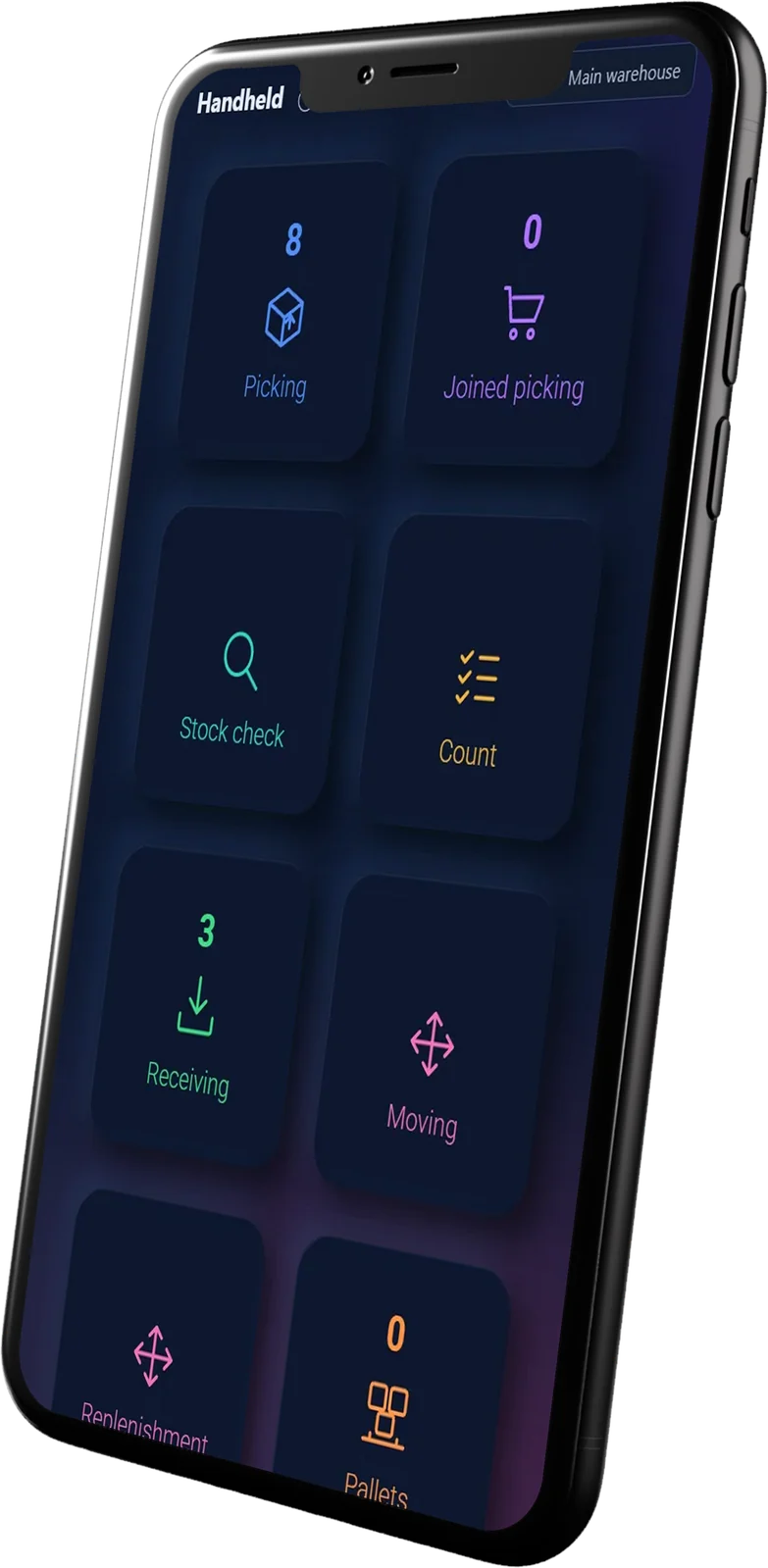
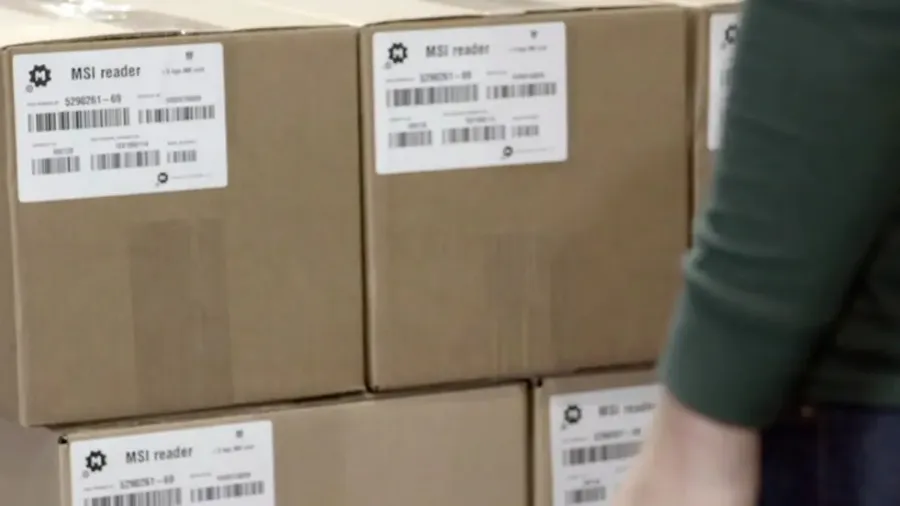
Scan the delivery in on the handheld and post it to a shelf. Anything short or damaged goes into a claim.

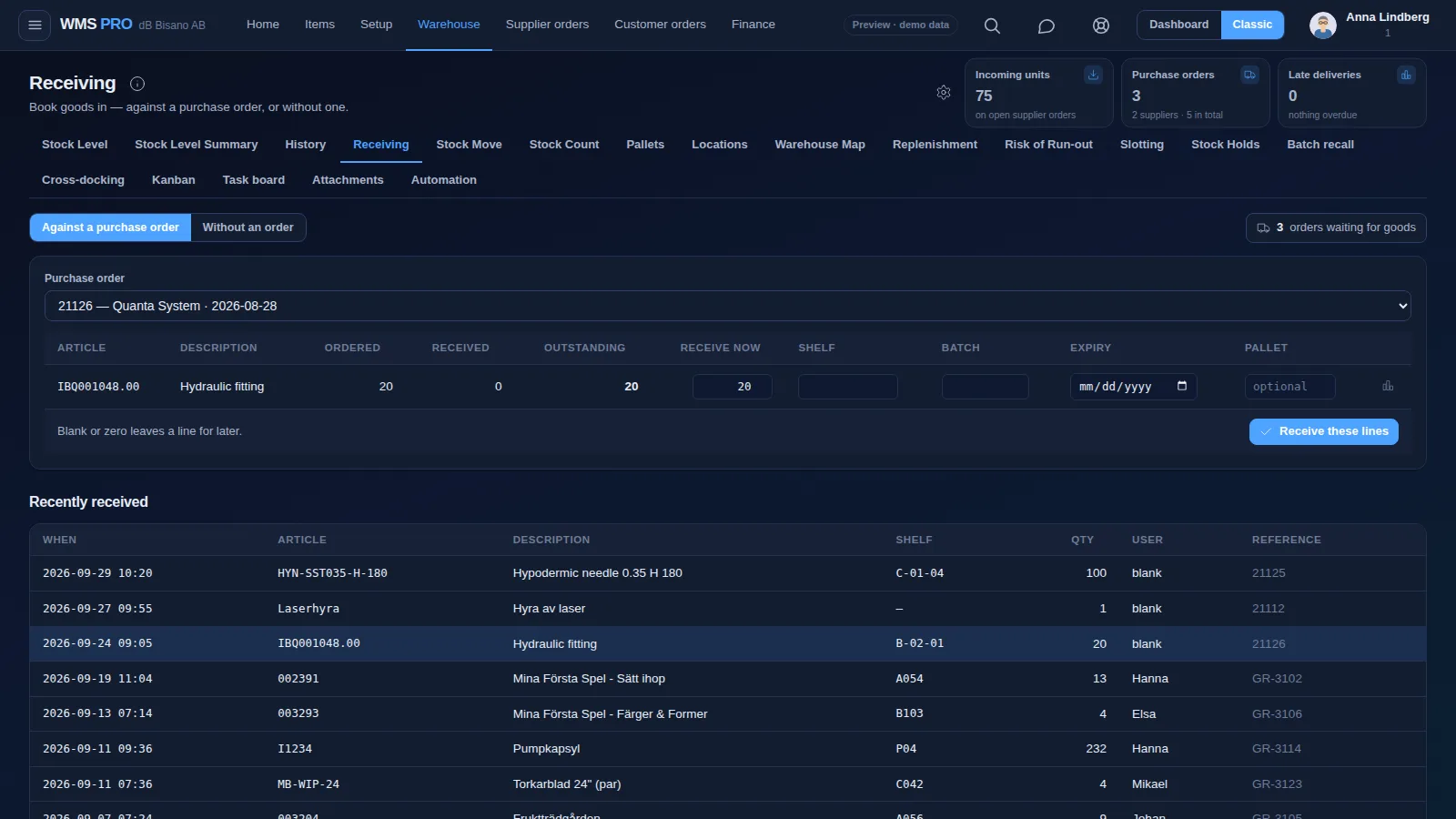
  • Check in on the handheld against the purchase order, or without an order.
  • Enter shelf, batch, expiry and pallet on each line as it comes in.
  • Goods inspection holds flagged lines by supplier, article or a random share until they pass or fail.
  • Report short, wrong or damaged goods as a claim, attach photos, send it to the supplier and follow it until it is closed.
Receiving screen: a purchase order with ordered, received and outstanding quantities and a list of recently received goods
Scan against PO-21126 (example)11 / 12 received1 damaged, claim sent to supplier

Stock move

Move stock between shelves in seconds.

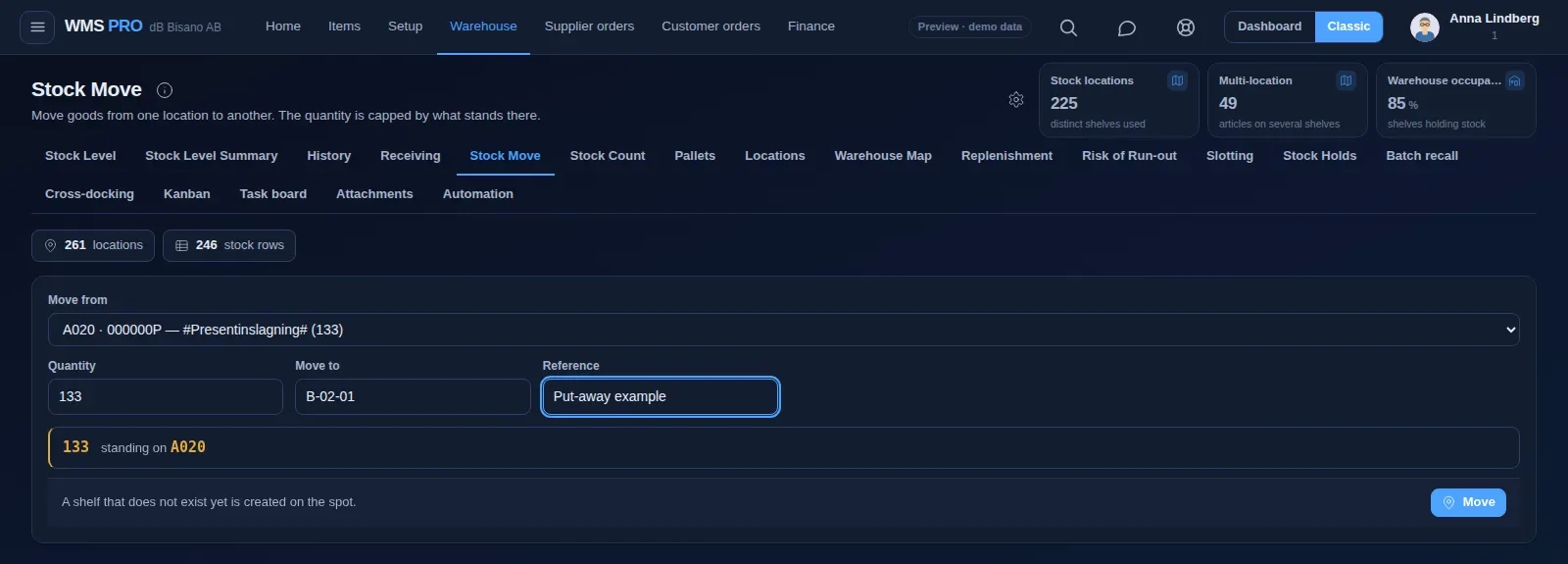
Choose where it stands now, enter the quantity and the new shelf. The quantity is capped by what stands there.

  • A shelf that does not exist yet is created on the spot.
  • Replenishment refills pick locations from bulk in one click, most urgent first.
  • Slotting suggestions move fast sellers closer to the golden zone.
  • Pallet IDs show what stands on each pallet and where it is.
Stock Move screen with move from, quantity, move to and reference fields
Put-away (example)A-14 to B-02Scan confirmed

Picking

Pick many orders from one list.

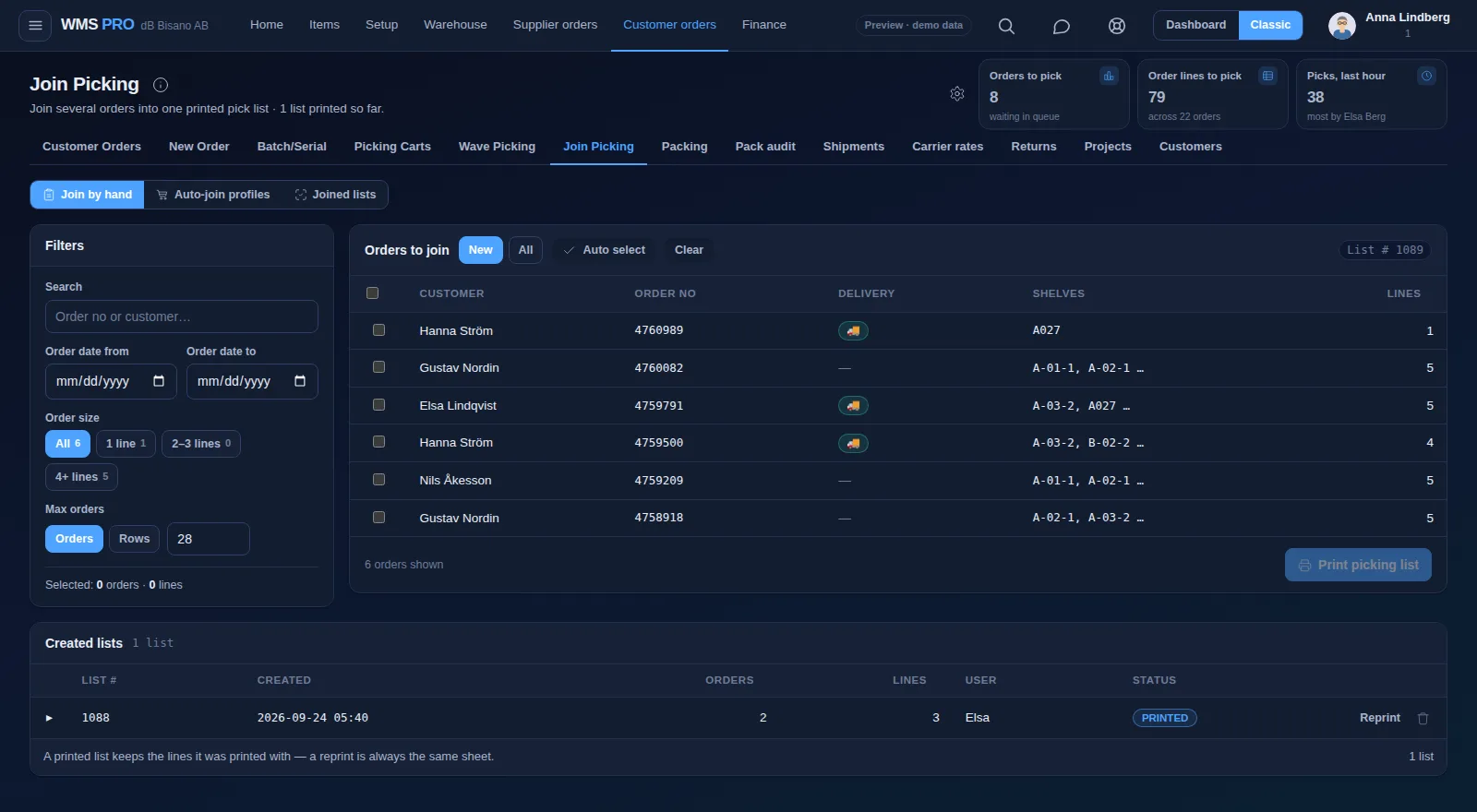
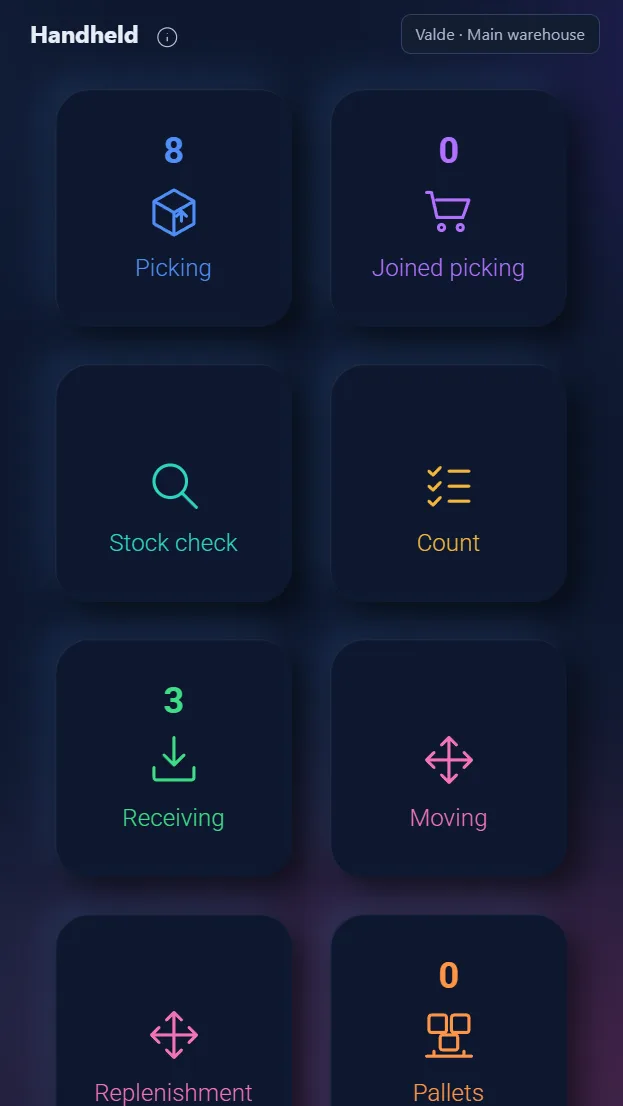
Join orders into a single printed pick list, or group them into a wave that follows the pick path. On the handheld, every pick line gets its own screen.

  • Join picking merges orders into one list, filtered by order size.
  • Wave picking combines all lines per location along the warehouse pick path.
  • Picking carts hold orders in slots, and every slot has its own QR code.
  • The handheld shows one pick line at a time and rejects a wrong location code.
Join Picking screen with order filters, orders to join and created pick lists
Pick list (example)Ski poles 125 cm, A-02-1Picked

Packing

Pack into parcels, then book the carrier.

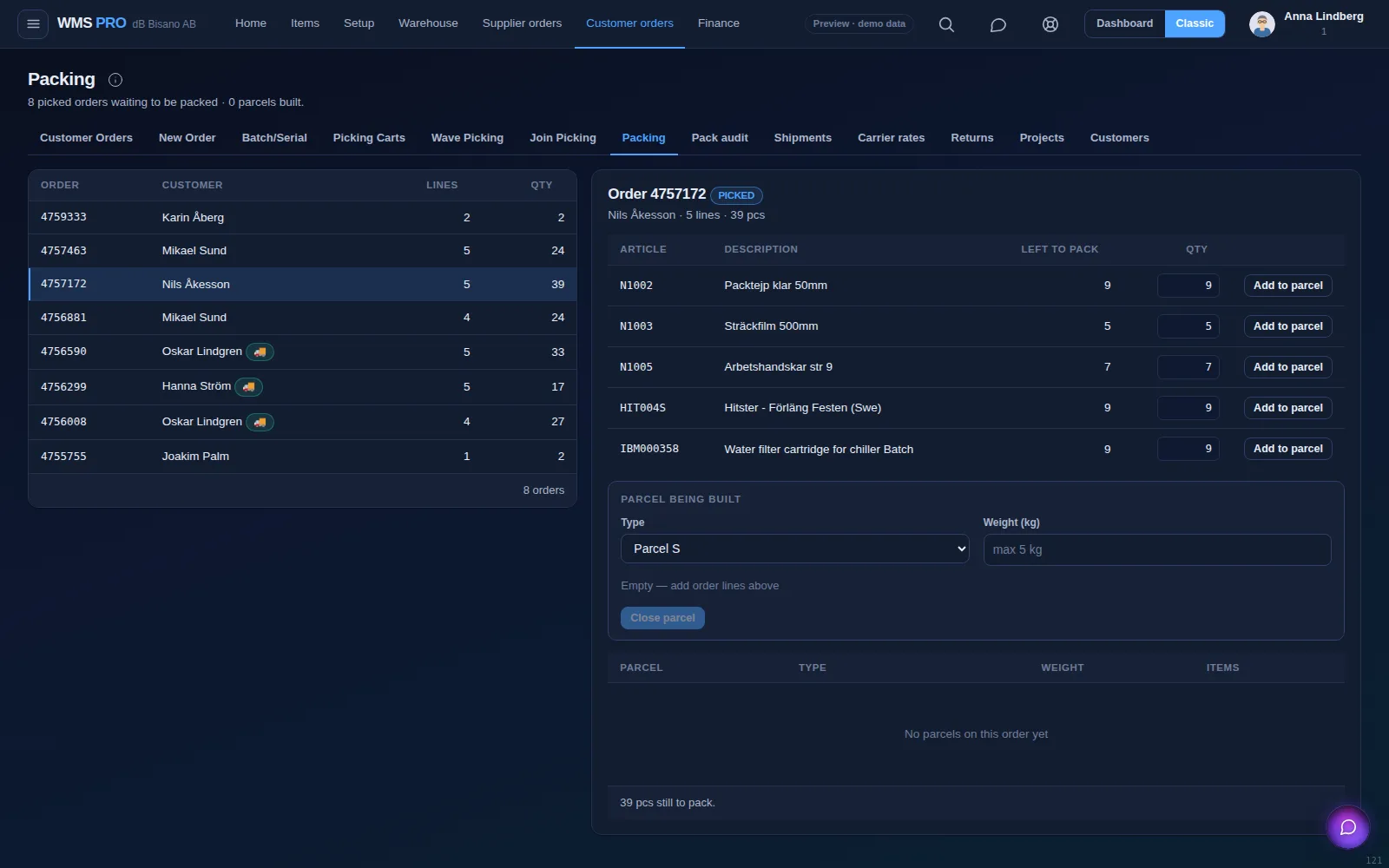
Picked orders are packed into parcels with a type and a weight. The order then moves on to shipping with a label and tracking number.

  • Parcel types S, M, L, half pallet and EUR pallet, each with a weight.
  • A finished order gets the status Packed, between Picked and Shipped.
  • Book PostNord, DHL, Bring, Schenker or UPS and store the tracking number on the order.
  • Carrier APIs create labels straight through nShift or Shipmondo.
Packing screen: picked orders on the left and the parcel being built for order 4757172 on the right
Label printing (example)DHL SH-1002Parcel 1, size S

Stock count

Count a shelf and post the difference.

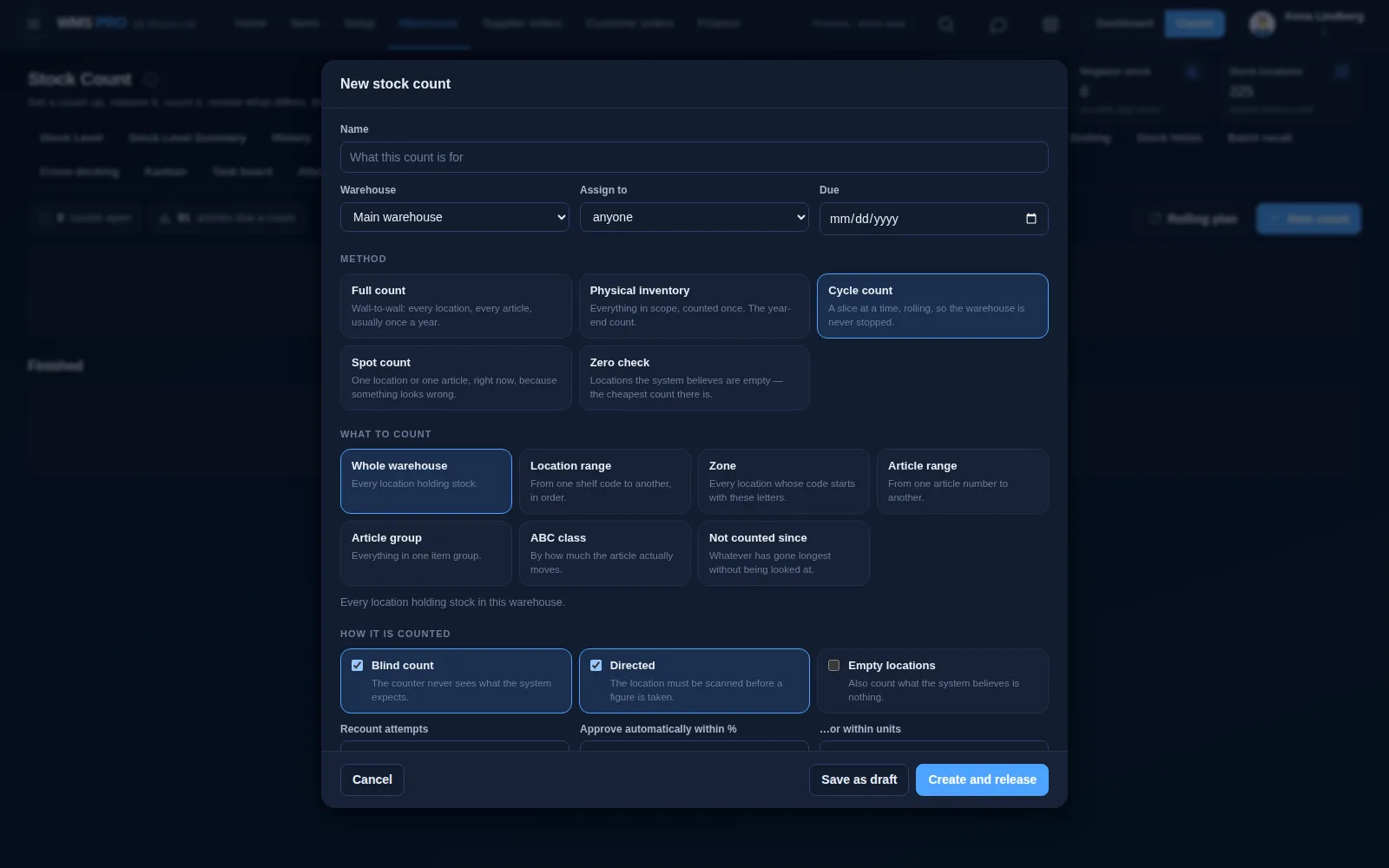
Start a count as a full count, cycle count, spot count or zero check. You review what differs before it changes your stock.

  • Blind counts hide the system figure from the counter.
  • Scope a count by warehouse, location range, zone, article range or ABC class.
  • Cycle counting schedules A articles monthly, B quarterly, and C and D yearly.
  • Differences adjust the stock level and are logged.
New stock count dialog with count methods, scope options and blind and directed counting
Counting bin A-14 (example)Expected 23, counted 24Difference +1

Barcode scanning

Faster picking. Fewer mistakes.

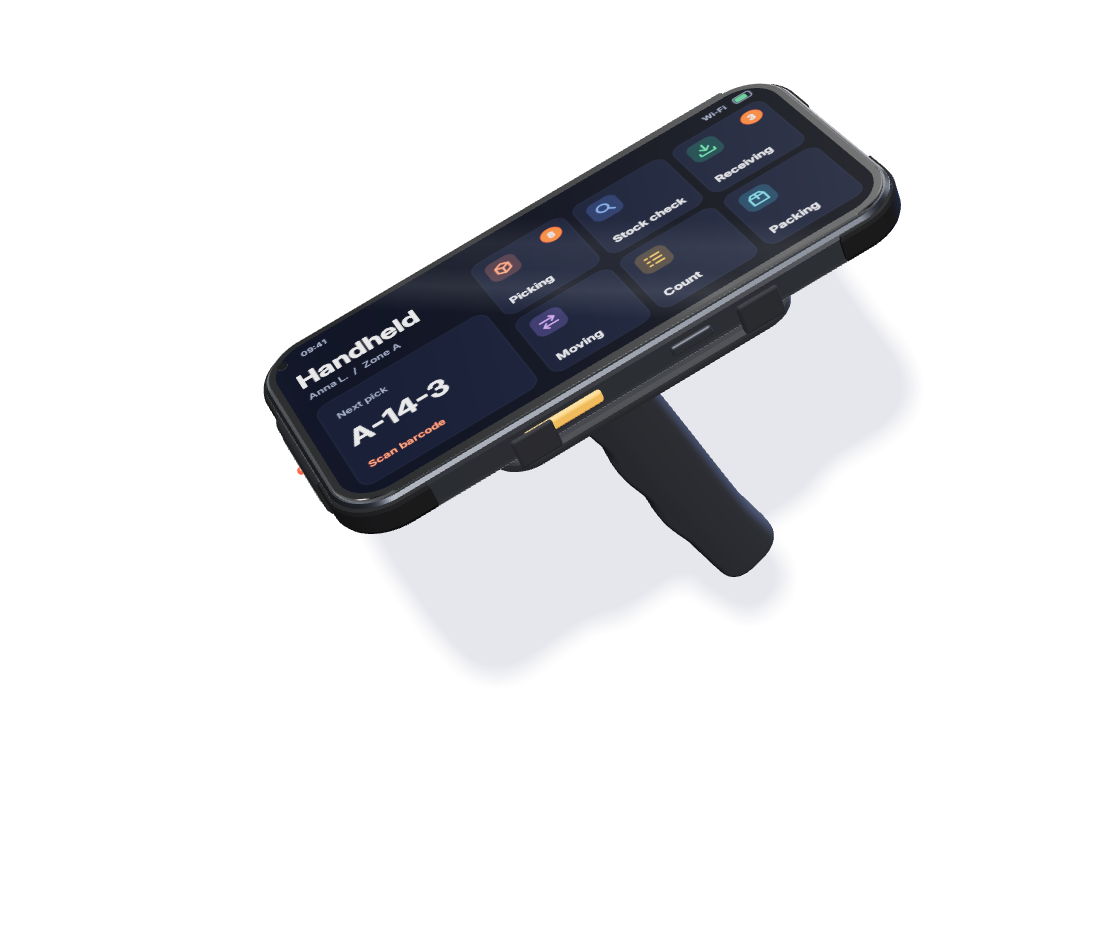
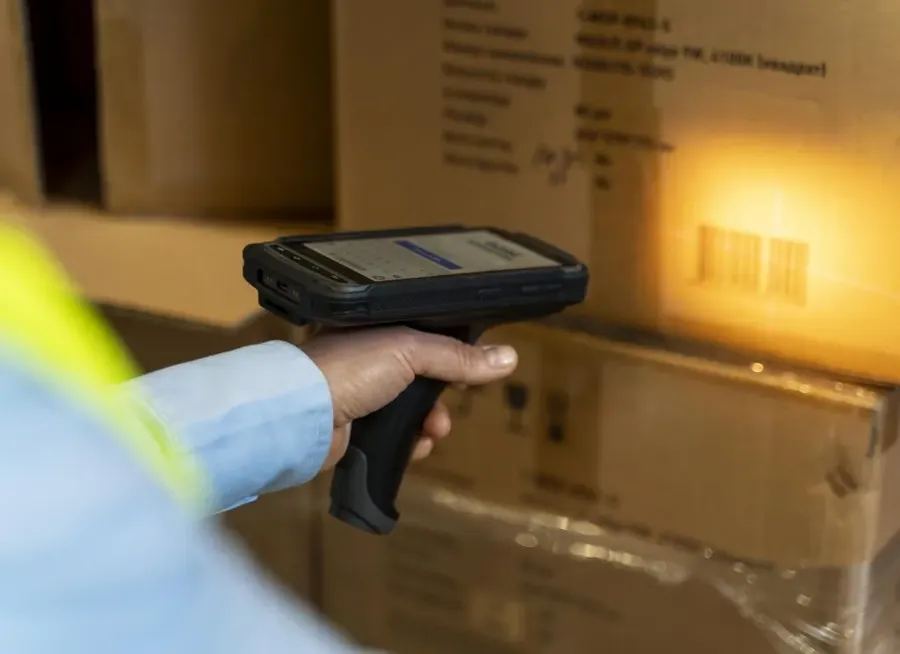
Scan with the phone camera or a rugged scanner, and read RFID tags from up to 15 m. The handheld shows one pick line at a time and rejects a wrong location code.

  • Stock accuracyStock counts post the difference per location, and every stock transaction stays in History.
  • Put-away accuracyA move is capped by the quantity on the shelf, and replenishment suggests how much to move.
  • Picking accuracyWave and joined pick lists follow the pick path, and carts hold each order in its own QR-coded slot.
  • Shipping accuracyPack audit re-checks a sample of packed orders before dispatch.

Demand-based restocking

Never run out of what sells.

Raptool WMS compares your stock with your minimums and your lead time, then turns the gap into a purchase order or a production run.

  • Set a minimum per article, and a separate minimum for the pick face.
  • Critical Stock lists articles below their minimum and creates the supplier orders in one click.
  • Risk of Run-out compares days of cover with your lead time and suggests what to order.
  • Produced items are built from recipes in production runs, and Replenishment refills pick locations from bulk.

Follow one box through your warehouse.

From the dock to the customer, every step is scanned and booked.

Isometric warehouse with a truck at the dock, receiving, storage racks, a webshop order screen, picking racks and a packing conveyor, joined by a route line Track the delivery in Raptool TMSRoutes, drivers and live trackingExplore Raptool TMS →
PO-21126 delivered by the supplier
Checked in against PO-21126
Put away to shelf A-14-3
Order #4761281 from the webshop
Picked to cart
Label printed, booked with nShift
Picked up, on its way to the customer
  1. 1Purchase orderOrder from your supplier in WMS PRO
  2. 2ReceivingChecked in on the handheld, damage reported in the app
  3. 3StoragePut away to the right shelf
  4. 4OrderA webshop order comes in
  5. 5Picking or productionPicked to a cart, or sent to production
  6. 6Out to customerLabel printed, picked up by the carrier

Counting stock? See how stock counts work ↓

Next step after the warehouse: Raptool TMS →

See Raptool WMS on your own warehouse flow.A 30-minute demo, or a 30-day free trial. Your choice.

One WMS for wholesale, retail and production, from one shelf to many warehouses.

Several barcodes per part, and batch recall locks a batch everywhere it sits.

Runs on the hardware your team carries.

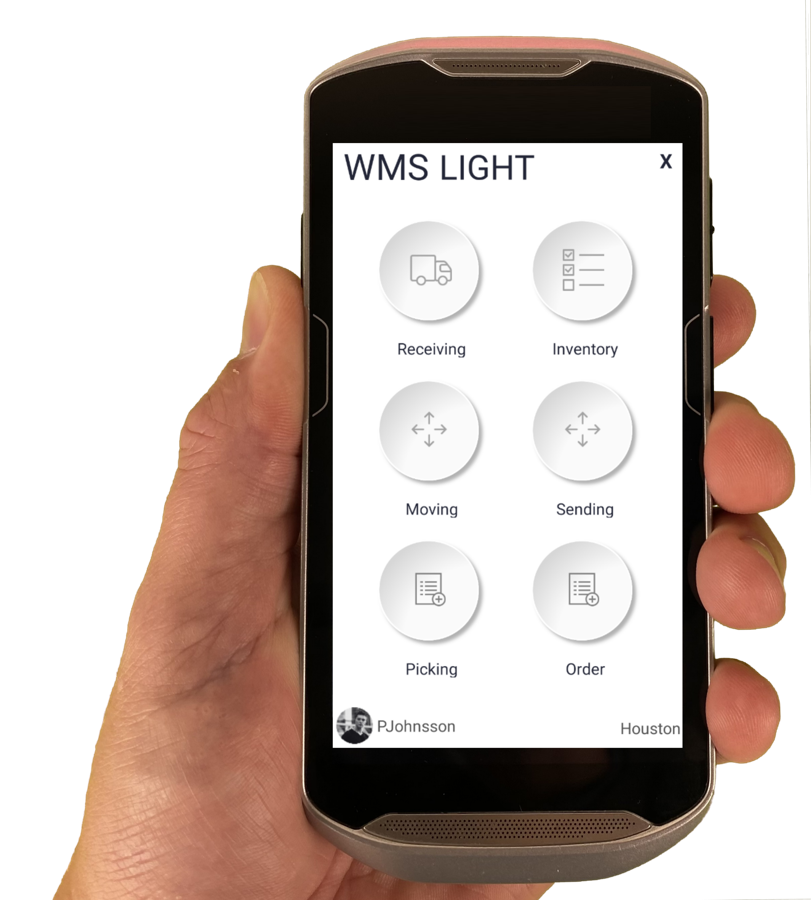
The Raptool Client is a native app for Android, iOS, Windows and Mac. Mix phones, tablets and rugged scanners on the same floor.

Download the Raptool Client from Play Store, App Store or our download page, log in and start scanning.

FAQ

Frequently asked questions

Quick answers about Raptool WMS: devices, integrations, shipping and the warehouse work it covers.

More questions? See the full FAQ

What is a mobile WMS?

A mobile WMS runs warehouse work on the phone or scanner in your hand. Raptool WMS runs receiving, picking, stock counts and shipping from one web app and any phone or rugged scanner, and the handheld shows one pick line at a time.

Does Raptool WMS work with Fortnox?

Yes. Raptool WMS syncs both ways with Fortnox and your other systems. It also connects to Visma.net, Business Central, SAP S/4HANA, NetSuite, Shopify, WooCommerce, Magento, Amazon, CDON, nShift, PostNord and DHL among the systems it connects to.

Which handheld scanners does Raptool WMS run on?

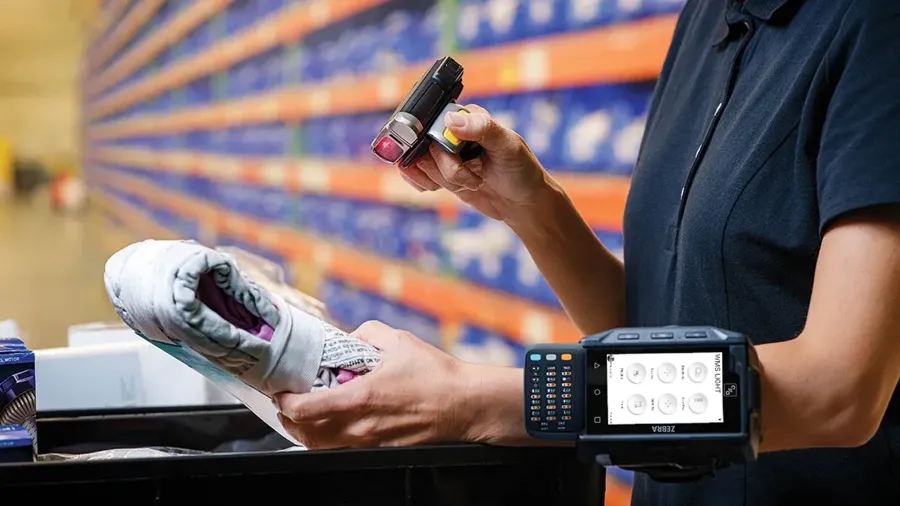
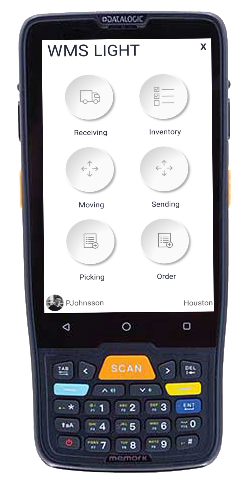
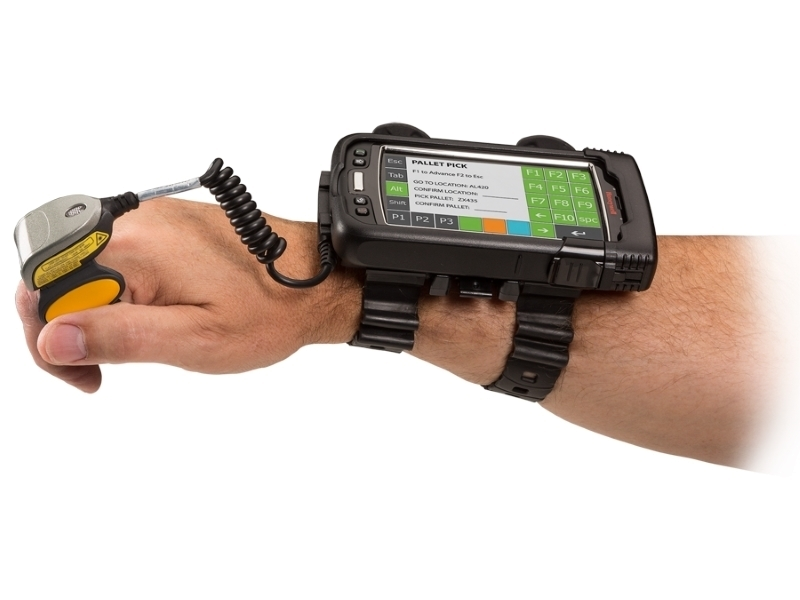
The Raptool Client is a native app for Android, iOS, Windows and Mac, so you can mix phones, tablets and rugged scanners on the same floor. Raptool recommends Zebra handhelds, and it also works with Datalogic scanners and Honeywell wearables.

Can I scan with a phone instead of a rugged scanner?

Yes. You can scan barcodes with the camera on any Android or iOS smartphone, or with a rugged scanner. RFID tags can be read from up to 15 m.

What warehouse tasks does Raptool WMS cover?

It covers purchasing, receiving, put-away, picking, packing and stock counts, with carrier booking for shipping. Stock counts can be full counts, cycle counts, spot counts or zero checks, and every stock transaction stays in History.

Which shipping carriers can Raptool WMS book?

You can book PostNord, DHL, Bring, Schenker or UPS and store the tracking number on the order. Carrier APIs create labels straight through nShift or Shipmondo.

See Raptool WMS in your own warehouse.

Pick the way that suits you. We are happy to help either way.

Prefer to read first? Get the free Raptool WMS brochure (PDF)

v2.0.312