Ready-to-go solutions
WMS features
Raptool WMS covers the whole flow, from the supplier order to the delivery van. Pick a feature in the Features menu above to jump straight to it.
Stock moves
Scan where it stands, enter the quantity and scan the new shelf. The move is booked the moment you confirm it.
Barcode and RFID scanning
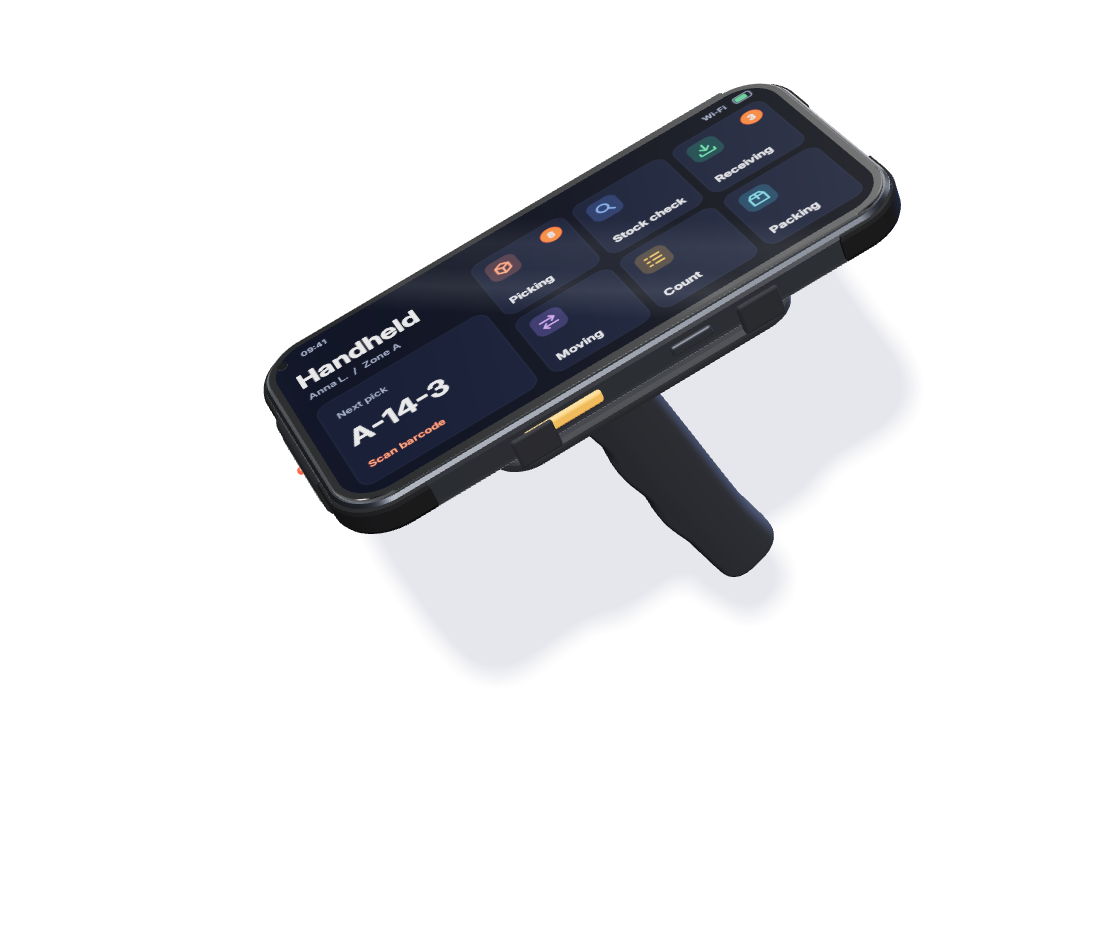
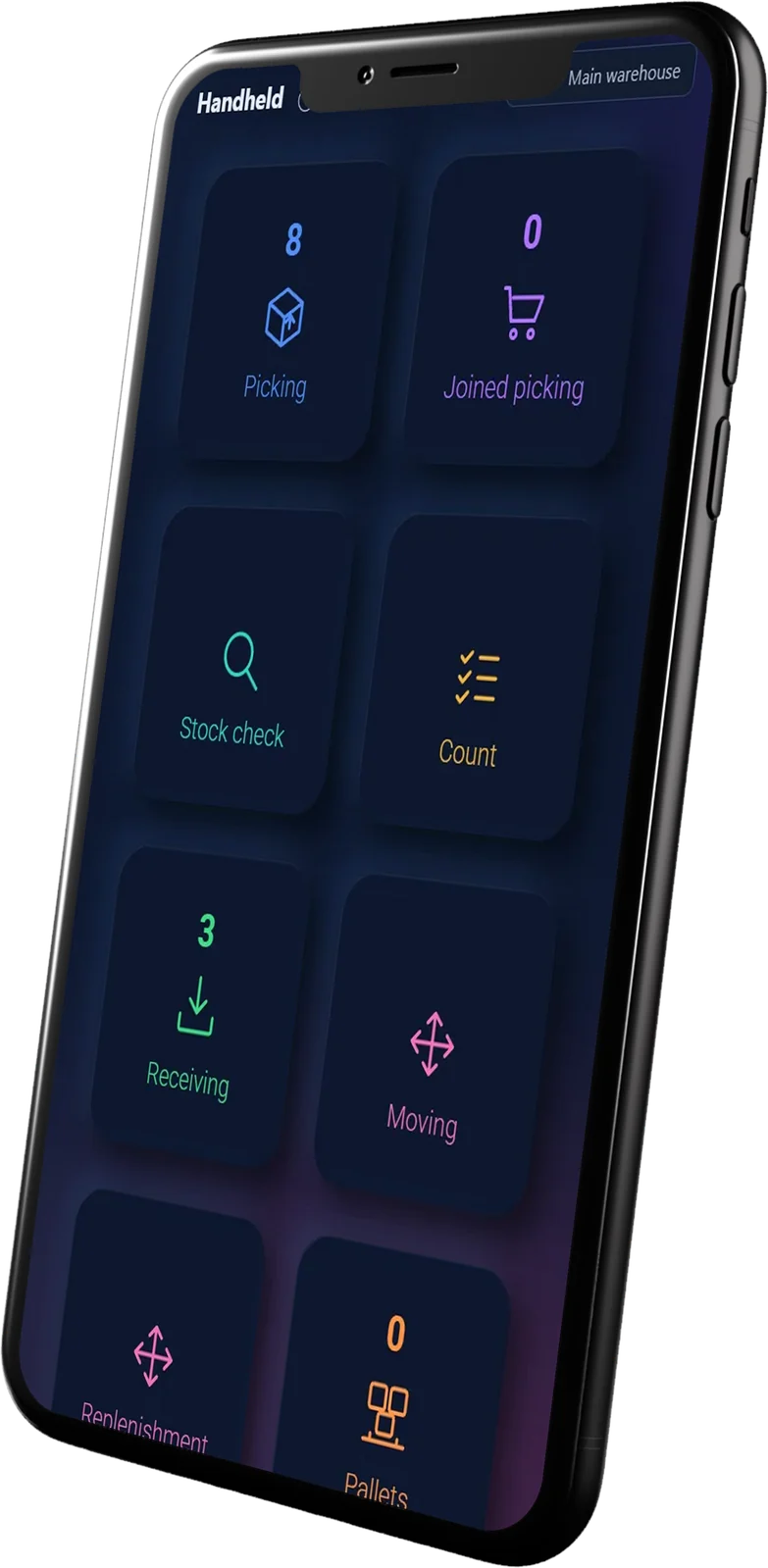
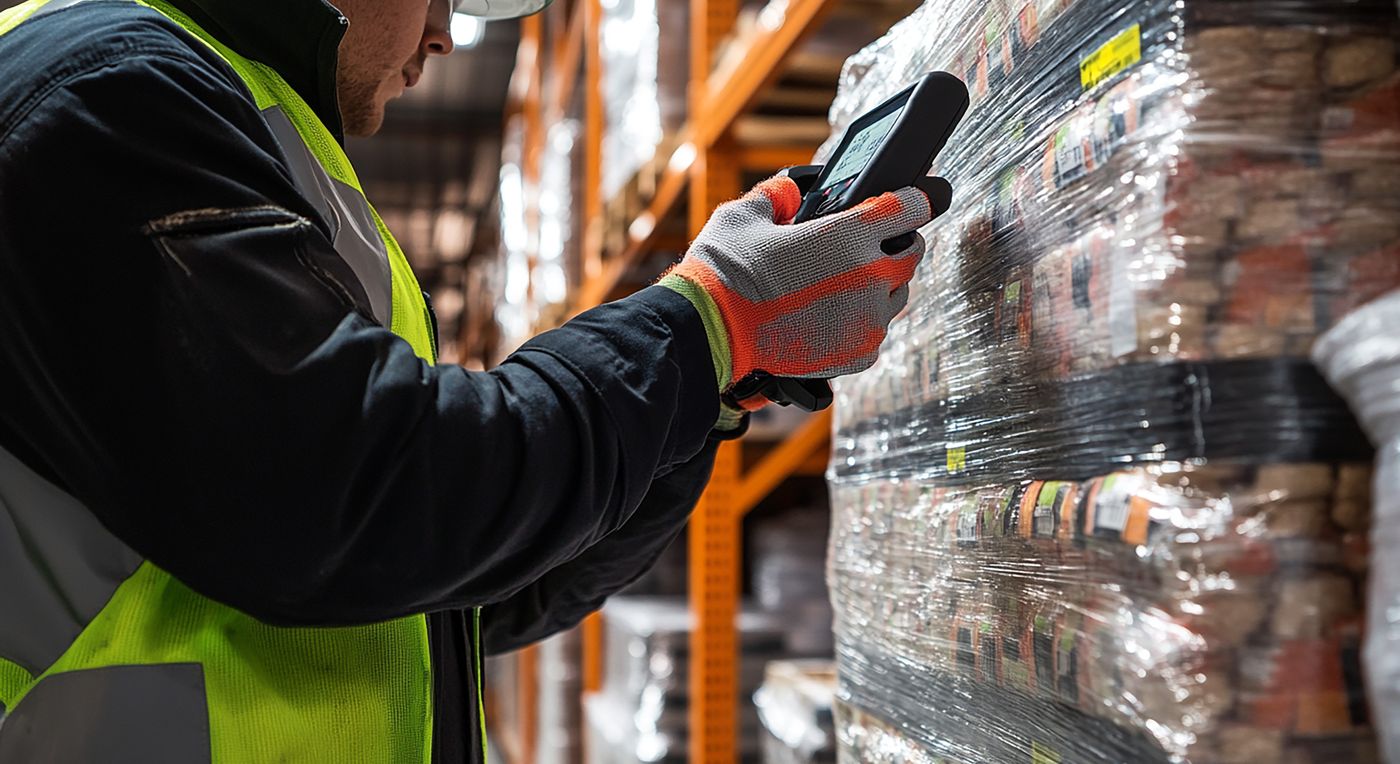
Use the camera on any Android or iOS phone, or a rugged scanner. Every scan checks the item and the location before anything is booked.

Batch, expiry and serial numbers
One barcode scan reads the batch number, the best-before date and the serial number exactly as the supplier printed them. No typing, no typos, and the WMS always knows how old your stock is and where every unit went.
Example values
Raptool WMS turns your scanned stock movements into suggestions you can act on.
Days of cover Lead time
Example values
Bins and locations
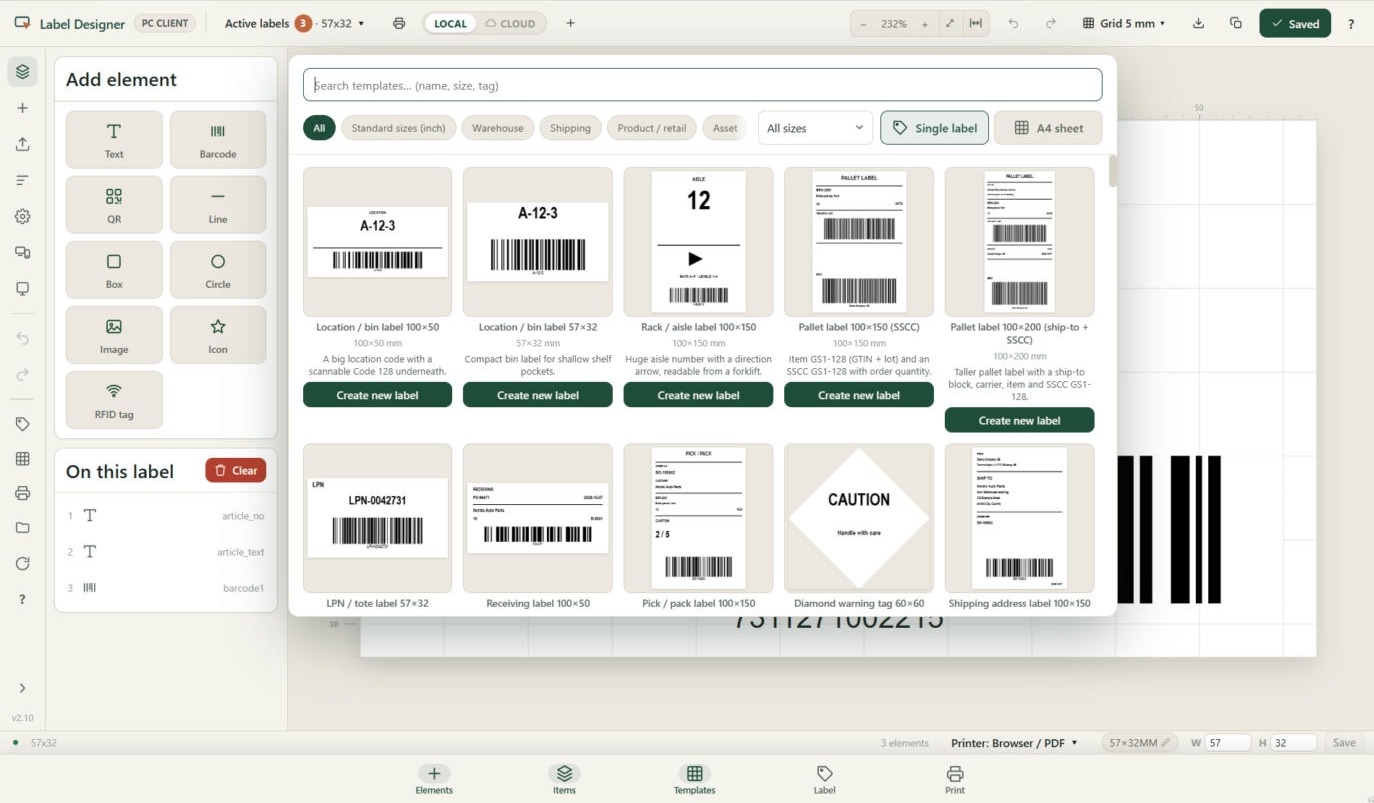
Set up warehouses, zones and shelves the way your floor really looks, and print the labels to match.

Purchasing and goods-in
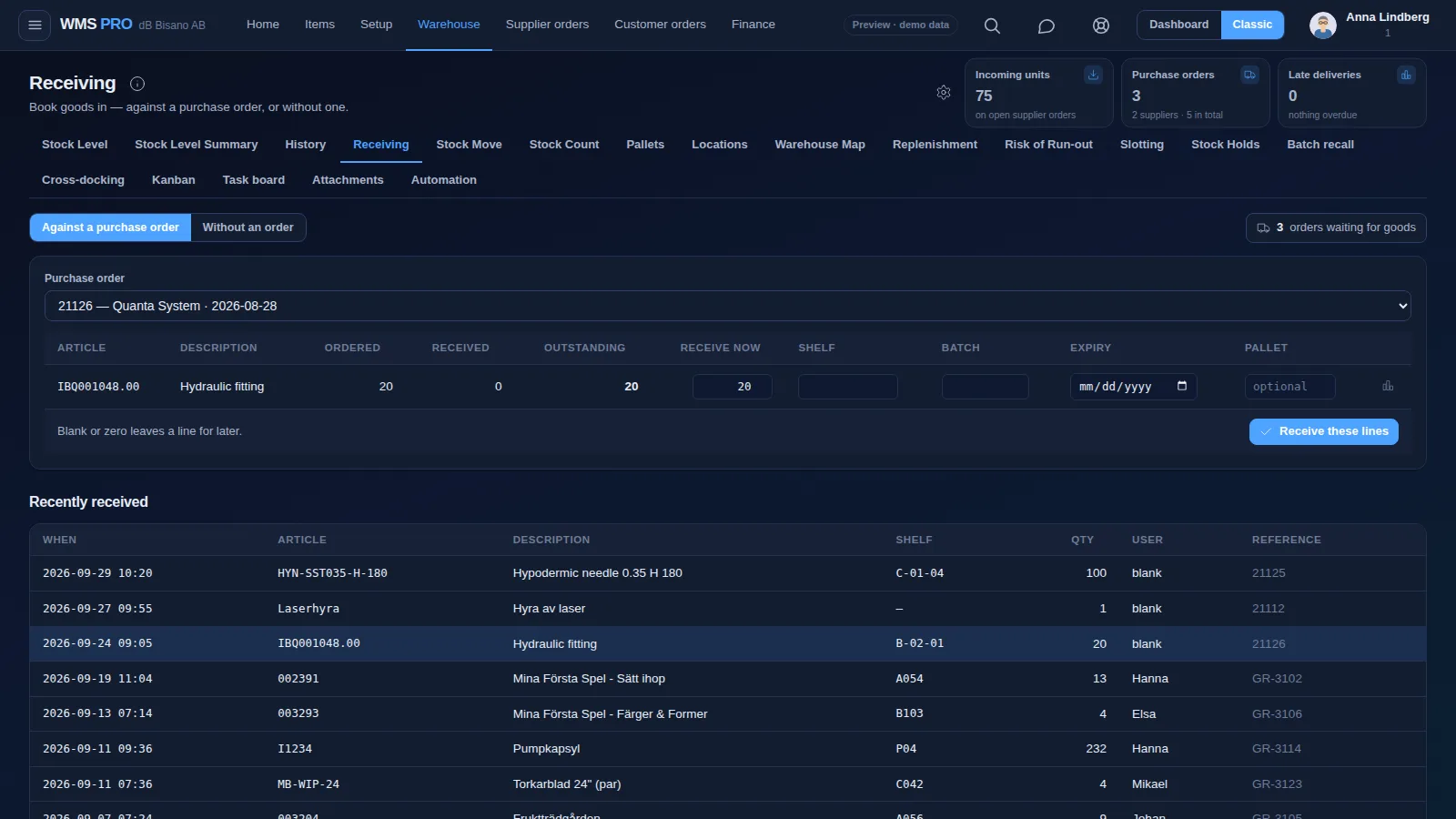
Create supplier orders from what is running low, then receive the delivery on a handheld against the order.

Guided picking, packing and put-away
Every pick line, put-away and parcel gets its own screen, so the next step is always in front of the person doing it.


Order handling
Orders from your webshop, ERP or order portal land in one queue, and each one moves through the same clear steps.
Example values
Inventory control
Stock levels per location update with every scan, from one shelf to many warehouses.
Stock history and audit trail
Every stock transaction stays in History, with who did it, when and where. Any number can be explained.
Example values
Returns handling
Scan the returned item against the order it left on, note what is wrong, and decide where it goes next.
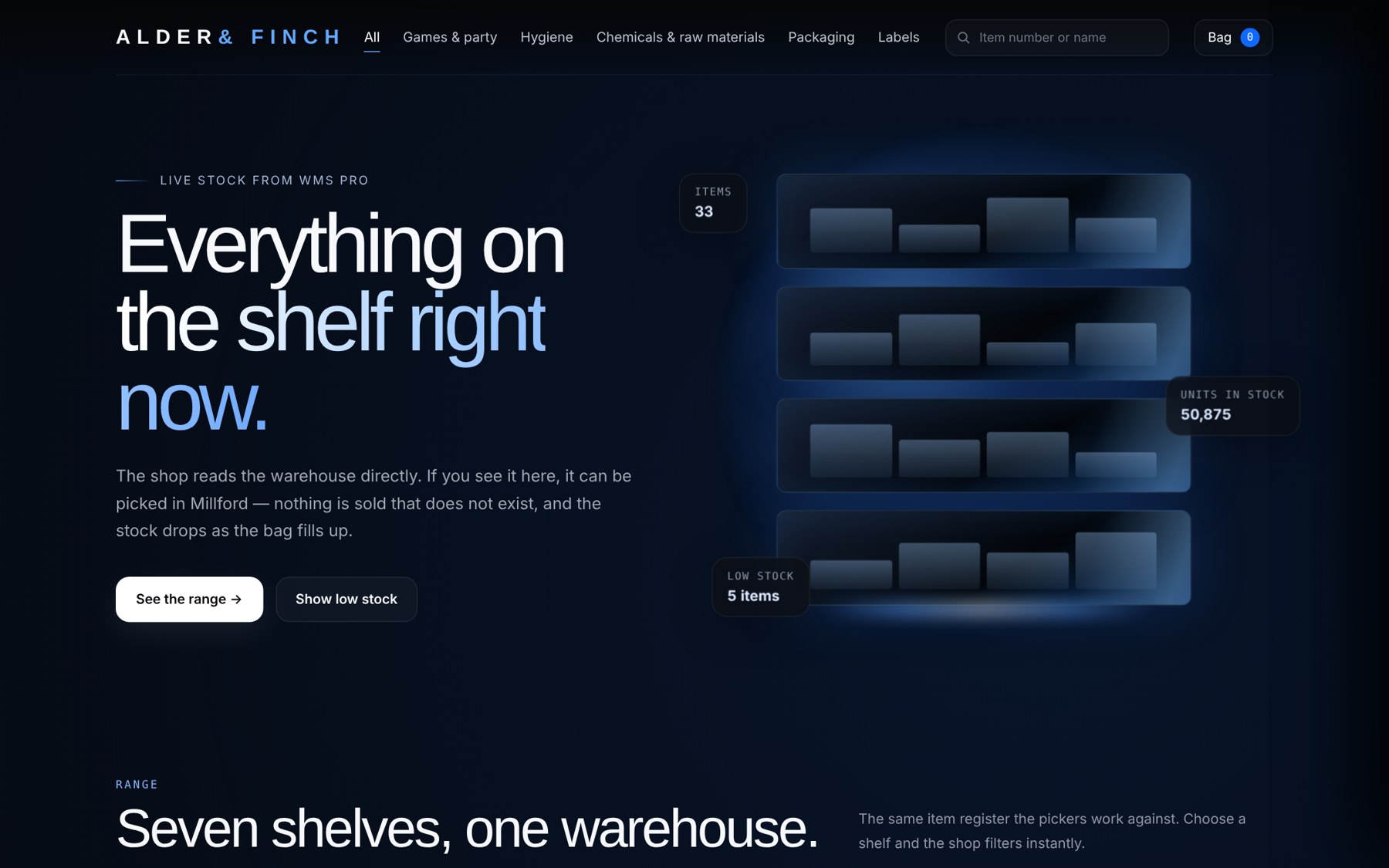
Webshop stock sync
Raptool WMS connects to your webshop. Stock goes out to the shop, and orders come back into the pick queue.

Transport and deliveries
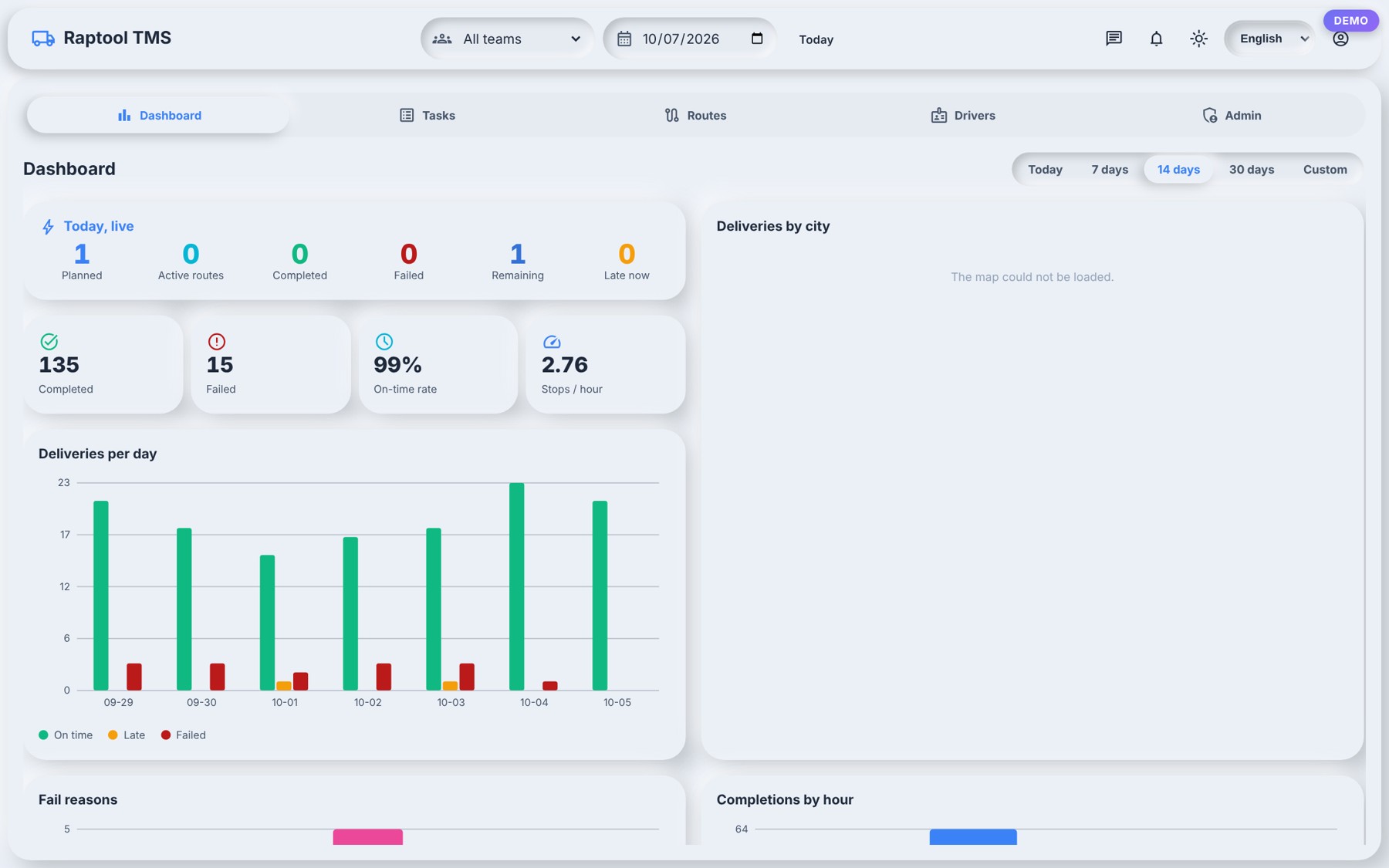
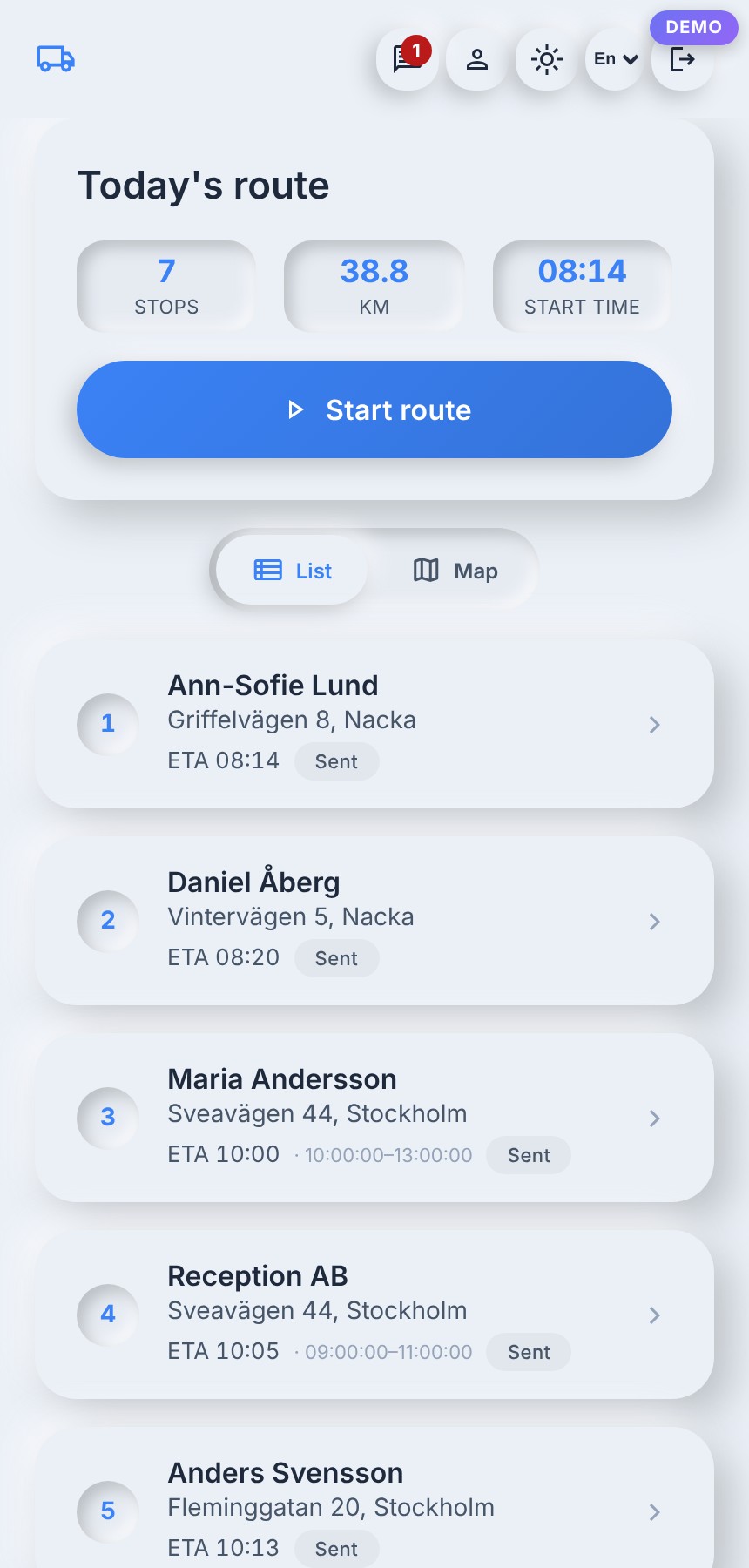
Raptool TMS picks up where the warehouse ends: plan the routes, give drivers their stops and see what is running late.


Reports and dashboards
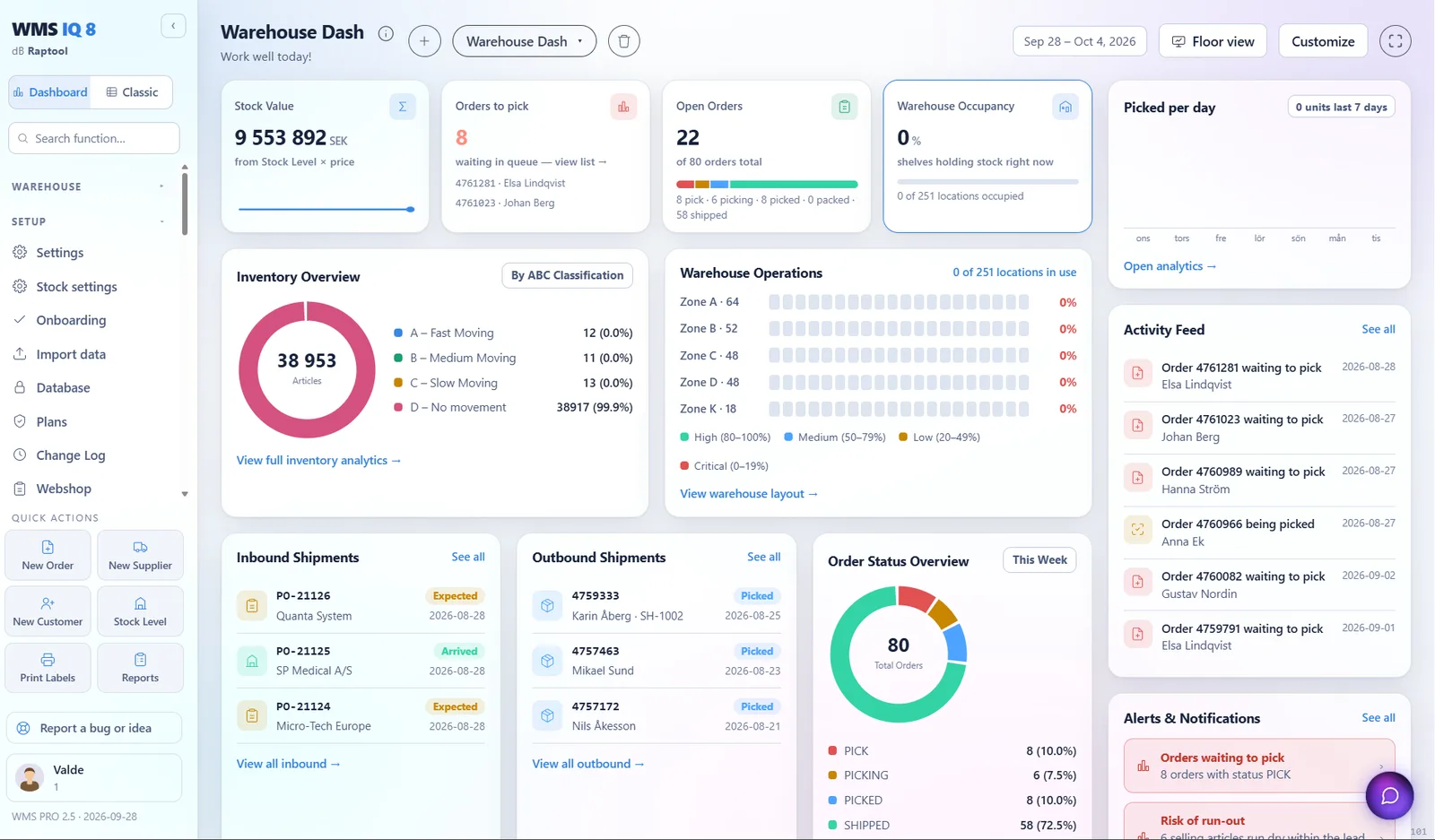
The dashboard shows how the day is going, and the reports show where to improve.

Pick the way that suits you. We are happy to help either way.